
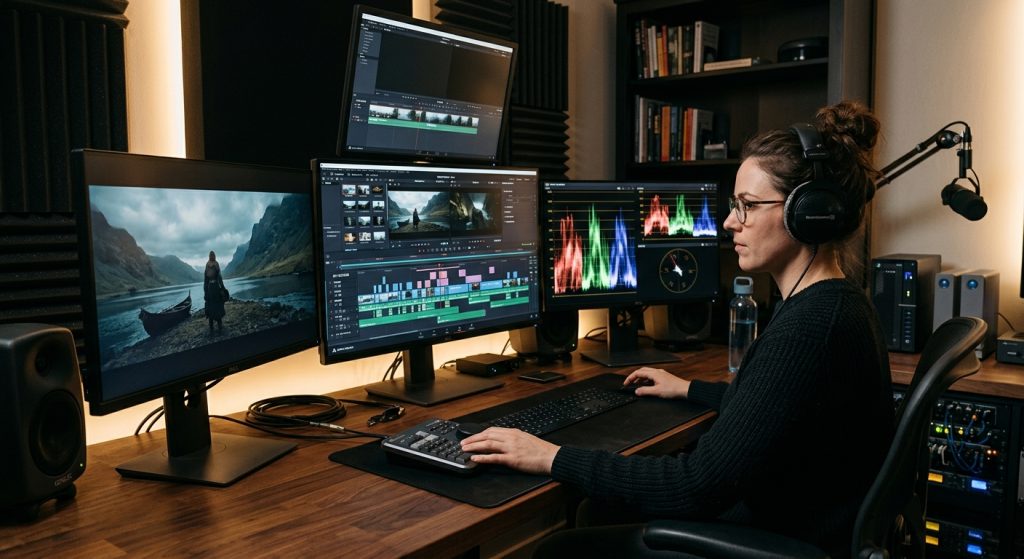
I watched a marketing director spend three weeks comparing feature charts for editing software before her team ever shot a frame of video. By the time she picked one, the project deadline had moved twice and the freelance editor she’d hired had booked another job. That’s the trap. Figuring out how to choose video editing software feels like a research problem, so people treat it like one — spreadsheets, YouTube comparison videos, Reddit threads. It’s actually a workflow problem, and most of that research happens backward, starting with the software instead of the footage.
I’ve run post-production on everything from fifteen-second social cuts to five-day commercial shoots, and I’ve watched editors argue passionately for their tool of choice the way some people argue about trucks. None of them are wrong, exactly. They’re just describing what works for their footage, their machine, and their brain — and none of that automatically transfers to your project.
Why “Best” Is the Wrong Question
There is no best editing software. There’s software that fits how you shoot, who’s going to sit in the chair, and what you’re delivering at the end. A wedding editor cutting eight hours of two-camera footage into a twelve-minute highlight reel has completely different needs than a social media manager turning out fifteen vertical clips a week from a phone. Ask either of them what’s “best” and you’ll get a confident, sincere answer that’s wrong for the other person.
The feature-chart approach fails because every major tool can technically do the same things now. Color correction, multicam sync, motion graphics, audio cleanup — Premiere, Resolve, and Final Cut all check those boxes. The differences that actually affect your day-to-day are less exciting: how the interface organizes your media, how it plays with your camera’s codec, what happens when your freelancer quits mid-project and you need someone else to open the file.
How to Choose Video Editing Software Based on What You Actually Shoot
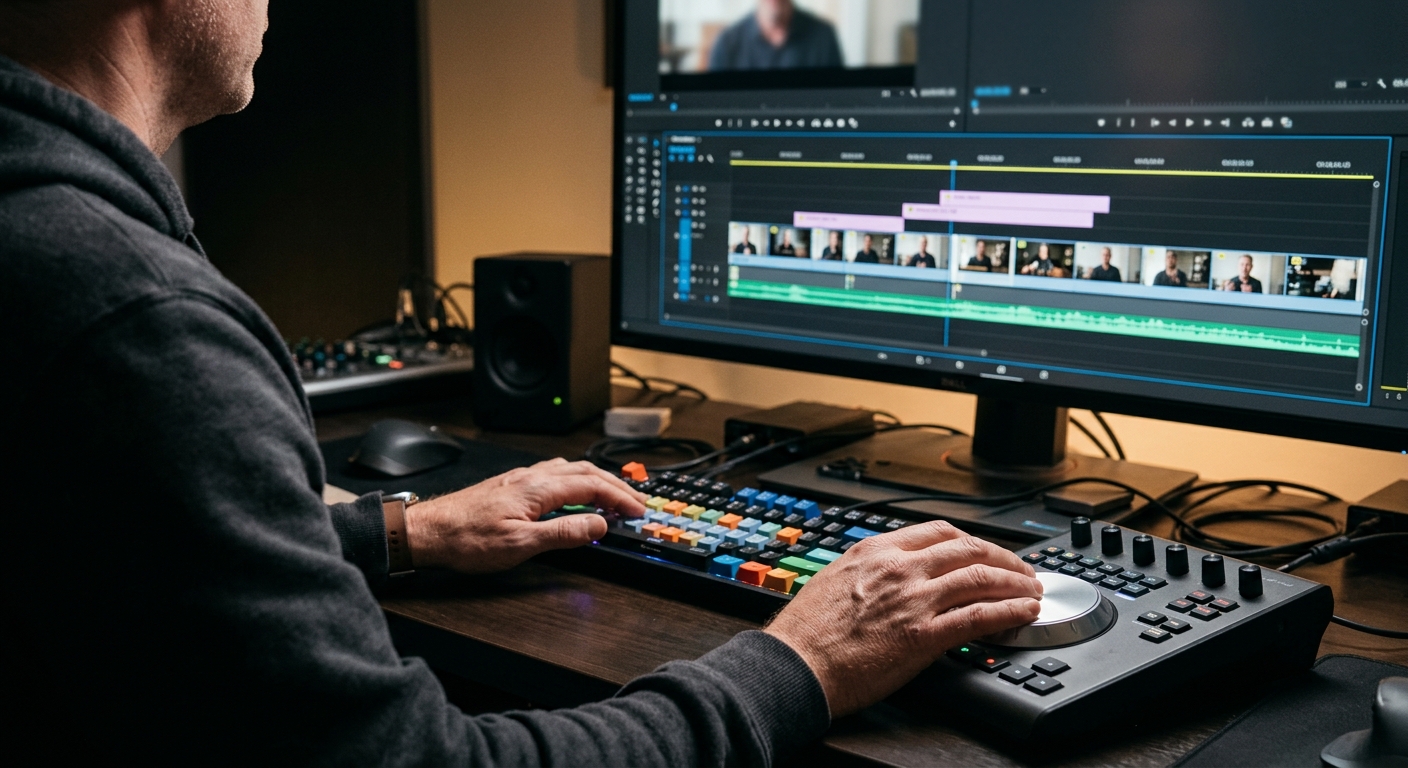
Start here, not with the software. If you’re shooting mostly on a phone or a single mirrorless camera for social content, you want something fast to learn and fast to export — heavyweight color tools and multicam syncing are dead weight you’ll never touch. If you’re producing interview-heavy corporate video with several camera angles and lav mics running simultaneously, you need an editor built around syncing and organizing a lot of footage without turning your project into a mess by day two.
We shoot everything from single-camera interviews to multi-day commercial productions out of our San Jose video production studio, and the software conversation with a new client always starts the same way — what’s the camera, what’s the delivery format, and who’s touching the footage after we hand it off. A client who wants to do light trims in-house needs something completely different than one who never opens the project file again.
Codec compatibility trips up more people than it should. Some cameras record in formats that one editor handles natively and another chokes on without a conversion step first. Before you commit to software, check what your camera actually outputs and whether your shortlist reads it without transcoding — that single detail has cost people entire afternoons.
The Big Three, Minus the Marketing
Premiere Pro is the default for a reason: it’s the one most freelance editors already know, it plays well with the rest of the Adobe suite if you’re doing graphics or design work too, and the subscription model means you’re never stuck on an old version when a client sends you a project file. The tradeoff is performance — it leans harder on your hardware than the alternatives, and a sluggish timeline on an underpowered machine will make you hate editing.
DaVinci Resolve has a free version that’s genuinely capable, not a stripped-down demo, and its color grading tools are still the standard the other apps get compared against. The catch is the learning curve on the editing side, which is less intuitive than Premiere for someone coming from a different tool. If color and finishing matter more to your final product than editorial speed, it’s worth the adjustment period.
Final Cut Pro is the fastest tool for a solo editor on a Mac who wants to move quickly without paying a monthly fee — one purchase, no subscription. It’s also the least collaborative of the three; sharing projects with a team or a freelancer who uses something else gets clunky fast. Fine for a one-person shop, frustrating for anything bigger.
None of these is a wrong answer. They’re each the right answer for a specific situation, which is exactly why the feature-chart approach doesn’t help you — the charts look nearly identical while the day-to-day experience doesn’t. If you want the deeper craft argument for why a cut works the way it does regardless of which app made it, we got into that in the art of video editing.
Match the Software to the Person Who’ll Actually Use It
This is the step people skip. You’re not choosing software in the abstract — you’re choosing it for whoever sits down and does the cutting, and that person’s skill level and time availability matter more than any app’s marketing claims.
If it’s you, a business owner squeezing in edits between everything else you do, pick the tool with the shortest path from “open project” to “usable draft.” That’s rarely the most powerful option. If you’re hiring a freelance editor, ask what they already work in before you buy a license for something else — retraining an experienced editor on unfamiliar software slows the first few projects down and you’re paying by the hour or the project either way. And if you’re building an in-house team, standardize on one tool across the board, because splitting a small team across Premiere and Resolve means nobody can jump in and finish someone else’s project when a deadline gets tight.
This is also where how you work with a video editor ends up mattering more than which logo is on their dock. A great editor in the “wrong” software will outperform a mediocre one in the “right” software every time. Software is the instrument, not the skill.
What Your Computer Has to Do With It
Nobody wants to hear this, but the software decision is half a hardware decision. Editing modern 4K footage, especially from multiple cameras, needs a real amount of RAM, a decent GPU, and fast storage — not a laptop bought three years ago for spreadsheets and email. If you’re on older hardware, Resolve and Premiere will both feel sluggish regardless of how good the software is, and you’ll end up blaming the app for what’s actually a hardware bottleneck.
Proxies solve part of this — editing lower-resolution stand-in files and swapping in full-quality footage at export — and every major editor supports them now. If your machine can’t be upgraded soon, pick software with the smoothest proxy workflow rather than the one with the flashiest feature list, because that workflow is what determines whether editing feels usable on your actual computer.
When Outsourcing Beats Owning a License

Here’s the part nobody puts in the software comparison articles: a real post-production workflow is more than which app you open. It’s version control so you’re not emailing files named “final_v3_ACTUALFINAL.” It’s a review and revision process that doesn’t turn into forty scattered comments across three different threads. It’s backups, archiving, and a system for handing footage off if your editor gets hit by a bus or just takes another job.
If none of that sounds like a good use of your time, that’s a legitimate answer — not a failure to figure out the software question. Plenty of business owners spend a month evaluating editing tools for a project they run twice a year, when handing the whole thing to a production company already set up with the licenses, the hardware, and the workflow would’ve taken a fraction of the time and money. That’s what our production and editing services exist for — you get the finished video without becoming a part-time software evaluator first.
Choosing editing software isn’t really about picking the “right” one. It’s about being honest about what you shoot, who’s going to sit in the editor’s chair, and how much of this you actually want to own versus hand off. Get those three answers straight and the software choice practically makes itself.
