
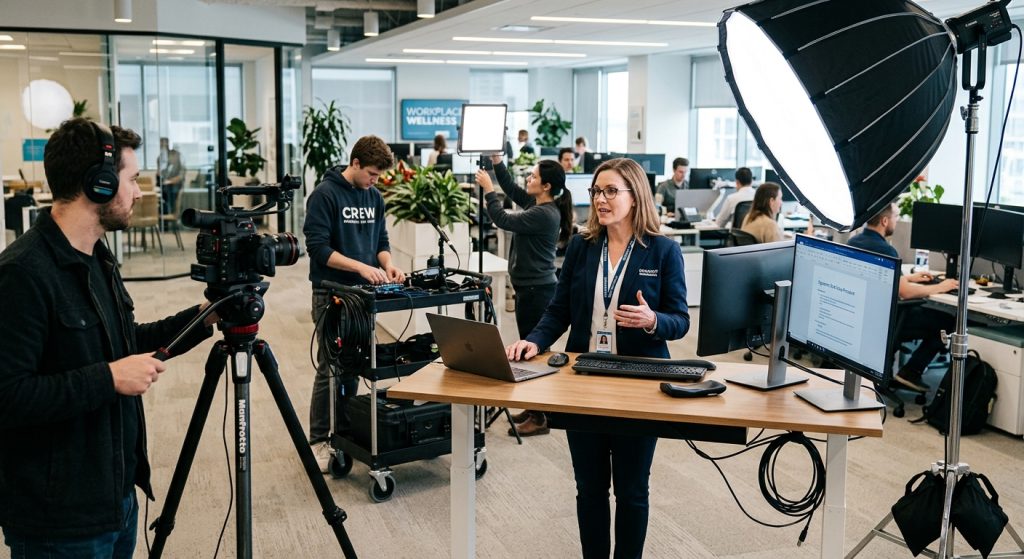
Your last onboarding video probably has a 40% completion rate. That’s not cynicism — it’s the industry average for corporate training content. Employees click play, let it run in the background, and skim to the quiz at the end. Creating training videos for employees that people genuinely finish requires more than recording a PowerPoint presentation. It requires treating your workforce like an audience worth impressing.
Here’s what separates training content that changes behavior from content that fills a compliance checkbox.
Define the One Thing Each Video Must Do
Most training videos fail before the camera turns on. The brief says “cover the new safety procedures” and the video ends up being 22 minutes of procedures, sub-procedures, exceptions, and fine print. Employees retain about 10% of it by Friday.
Before you script anything, write down the single behavior change this video needs to produce. Not “understand the return policy” — “process a customer return without escalating to a manager.” That specificity rewrites everything: the scenario you shoot, the characters you cast, the length you target.
A focused video also has a natural endpoint. Once the viewer can do the thing, the video is over. That clarity keeps runtimes under five minutes, which is roughly where completion rates stop dropping off a cliff.
Script First. Always.

The biggest time-waster in training video production is winging the on-camera explanation. A subject-matter expert who knows the topic cold will still meander, backtrack, and bury the point when there’s no script. You end up in the edit bay cutting 40 minutes of footage down to 6 usable minutes.
A proper script does three things: it sequences the information in the order a learner needs it, forces you to translate jargon into plain language, and surfaces gaps in the logic before you’ve rented a camera. Knowing how to write a compelling video script is a discipline most companies skip entirely, and it shows in the final product.
Budget at least half your pre-production time on the script. Read it aloud. Time it. Have someone who doesn’t know the topic read it and tell you what’s confusing. Only then should you start planning the shoot.
Show, Don’t Just Tell
The format question that actually matters isn’t “talking head or animation?” — it’s “can I show a human doing this?”
Watching someone navigate the actual software, handle a real product return, or follow a safety protocol creates a mental model that narrated slides never will. A person watching a real colleague demonstrate a process in their own work environment retains more and stays more engaged. The production doesn’t need to be elaborate. A clean shot of someone’s hands at a workstation, properly lit and with good audio, beats a polished screen-recording every time.
When you can’t show the real thing — confidential data, safety hazards, scenarios that involve customers — scenario-based storytelling with actors is the next best option. A short dramatized sequence of the wrong behavior followed by the correct behavior is far more memorable than a bullet point saying “do not do X.”
This is where working with a production company experienced in corporate video production actually pays off. They’ve directed dozens of on-camera presenters and know how to get a natural performance from a subject-matter expert who has never been in front of a camera.
Length Is Not a Signal of Quality
The 45-minute training module is almost always a political document. It’s 45 minutes because HR wanted to cover harassment prevention, Legal added the compliance language, and Operations included the equipment inventory process. Nobody had the standing to say no.
For standalone training videos, the target is under seven minutes for procedural content and under three minutes for concept explainers. If the content genuinely requires more, break it into a series. Five five-minute modules with a knowledge check between each will outperform a single 25-minute video on every measurable metric.
A series also has a practical upside: when a process changes, you reshoot one module instead of everything. That matters for companies that update procedures more than once a year.
Audio and Lighting Are Not Optional
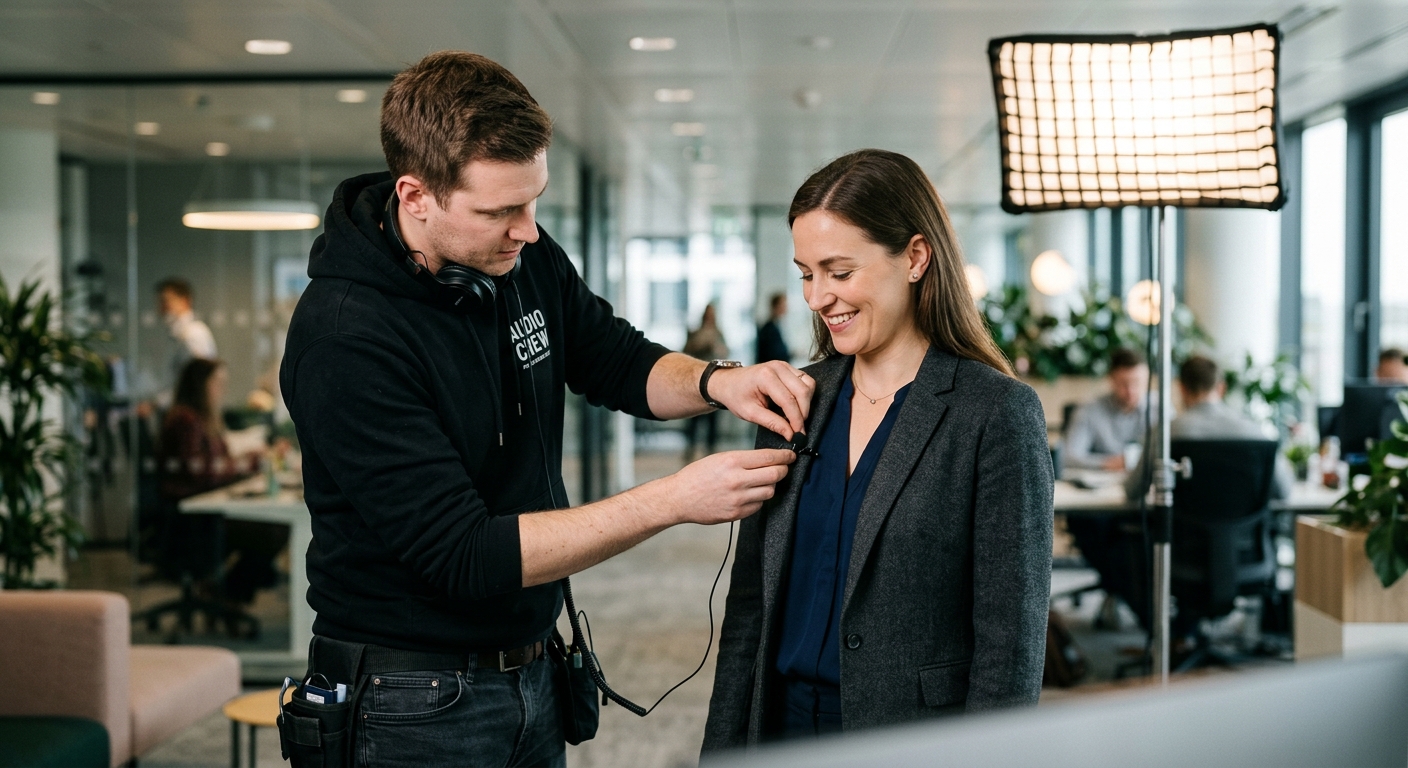
This is the part of educational video production that HR teams chronically underinvest in. They’ll approve budget for a decent camera and then film the SME in a conference room under fluorescent overheads with a laptop microphone.
Viewers tolerate mediocre visuals. They will not tolerate bad audio. If they have to work to understand what’s being said, they stop watching. A decent lavalier microphone and an hour of pre-shoot sound checks will do more for your completion rate than any post-production trick.
Lighting is close behind. A flat, unflattering setup undermines the credibility of the expert on screen. A well-lit interview-style setup signals that the company takes the content seriously — and that perception lands whether or not employees can consciously articulate why they trust one video more than another.
San Jose Companies Have a Structural Advantage Here
If your company operates in the Bay Area, working with a local crew means they can scout your actual facilities, understand your operational context, and turn around revisions without shipping drives or scheduling remote sessions. San Jose video production has expanded considerably — there’s no reason to treat professional production as something you have to import.
For training content that shows employees in their own workplace, that proximity is a production advantage, not just a logistical convenience. The environment in the video matches the environment where the viewer will apply what they learned. That reduces the cognitive gap between “what I watched” and “what I do.”
Companies across tech, healthcare, logistics, and manufacturing use our services to produce training content that fits their teams and facilities — from scripted procedural demos to scenario-based compliance modules.
Test Before You Deploy
Before committing to a final cut, show a rough version to 8–10 employees who are in the target audience. Watch where they check their phones. Ask one question afterward: “What did you think you were supposed to do after watching this?”
If the answer surprises you, the video isn’t done. If it matches your intent, you have something ready to deploy.
Iteration also argues for shooting with professional-grade equipment from the start. When a policy changes in 18 months, a well-produced video can often be updated with targeted reshoots or revised narration rather than a full rebuild. That’s not possible with content captured on a phone in 2022 with no source files.
Measure What Matters
Most LMS platforms surface completion rates, quiz scores, and drop-off points by timestamp. Use them. If 60% of your employees stop watching at the 3:45 mark, something is wrong at minute three — not in the audience.
The best corporate training programs treat each video as a live document, refined over time as the work itself evolves. That mindset shift, from “project we finished” to “asset we manage,” is what turns a training library into something employees actually use.
Frequently Asked Questions
How long should employee training videos be?
Most procedural training videos should run under 7 minutes; concept explainers under 3 minutes. If content genuinely requires more, break it into a series of short modules — completion rates drop sharply past the 7-minute mark.
Do we need a professional production company to make training videos?
For compliance content, safety procedures, or anything representing your brand to new hires, professional production pays for itself. Poor audio and flat lighting reduce credibility and completion rates in ways that are hard to recover from.
What format works best for compliance training videos?
Scenario-based formats — showing the wrong behavior followed by the correct behavior with real actors — consistently outperform narrated slide decks. Viewers remember stories and examples; they forget bullet points.
How much does it cost to produce employee training videos?
A professionally produced, single-location training video typically ranges from $3,000 to $15,000 depending on length, crew size, and post-production complexity. Series production usually costs less per episode than standalone pieces.
Can we update training videos after publishing without reshooting everything?
Often yes — if the original was shot professionally and the source files were retained. Targeted reshoots or updated narration tracks can refresh a video when policy changes, which is far cheaper than rebuilding from scratch.
