
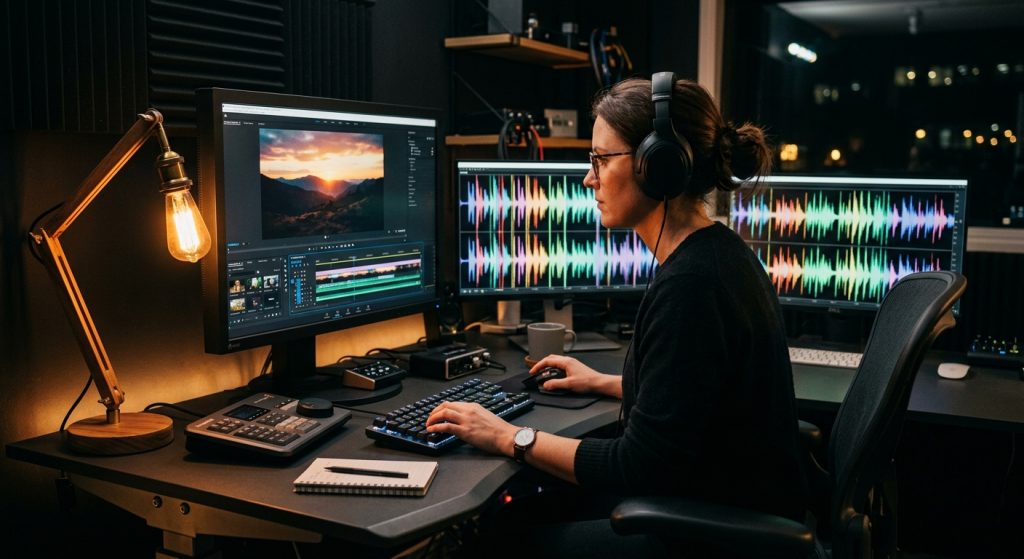
A client called us two days before delivery last spring, panicked because the “free” music track she’d pulled off YouTube had triggered a Content ID claim the moment she uploaded her finished video. The video itself was fine. The edit was tight, the interview subjects were solid, the b-roll cut on the beat. None of that mattered once the platform muted her audio and slapped a copyright notice on it. That’s the risk nobody explains clearly enough when they say “just grab some royalty-free music for video” like it’s a five-minute errand.
It isn’t, and treating it like one is how good projects get held up at the finish line.
Why the Wrong Music Track Can Sink an Otherwise Great Video
Music does more narrative work than most clients expect going in. A slow piano cue under a testimonial reads as sincere. The same testimonial with an upbeat corporate synth bed underneath reads as a sales pitch, even if the words haven’t changed. We’ve re-cut entire sequences around a bad music choice because the tone fought the footage instead of supporting it. When we’re wrapping a shoot for a client near our San Francisco video production studio, music selection is one of the last creative decisions we make — and one of the ones clients second-guess the least, right up until they hear the wrong track under their CEO’s message.
The other failure mode is legal, not creative. Royalty-free doesn’t mean free-free, and it doesn’t mean risk-free. It means you pay once (or subscribe) for a license that lets you use the track without paying ongoing royalties every time the video airs or gets viewed. Confuse that with “no cost, no rules” and you end up exactly where our client did — audio muted on delivery day, scrambling for a replacement track that doesn’t match her edit’s pacing anymore.
What “Royalty-Free Music for Video” Actually Means (And What It Doesn’t)
Royalty-free is a licensing structure, not a price tag. You’re buying (or subscribing to) a license that grants use rights up front, so you’re not cutting the composer or performing rights organization a check every time your video plays. Compare that to sync licensing for a commercially released song, where usage terms, duration, and territory all get negotiated and renegotiated, sometimes for tens of thousands of dollars for a track you already know.
That distinction matters because “royalty-free” still comes with terms attached. Some libraries sell you a standard license that covers online use but caps broadcast, paid advertising, or resale of the video itself. Others require attribution if you’re on a free tier — credit the composer in your description or risk a takedown. A handful of Creative Commons tracks are genuinely free with no strings, but they’re also the tracks every other small business and hobbyist video has already used, so don’t be surprised if your “unique” background music sounds instantly familiar to viewers who’ve seen a hundred other videos. Read the license PDF, not just the marketing page. It tells you whether the grant is in perpetuity or needs renewal, whether it covers social platforms and paid media both, and whether YouTube’s Content ID system will even recognize the track as cleared.
Licensing Models: Subscription, Per-Track, and Where Content ID Fits In

Most of the libraries worth using fall into two buckets. Subscription services like Epidemic Sound or Artlist charge a monthly or annual fee for unlimited downloads across their catalog — great if you’re producing video regularly and don’t want to think about per-track cost every time you cut a sequence. Per-track marketplaces like Pond5 or AudioJungle let you buy a single needle drop for a single project, which makes more sense if you produce three videos a year and don’t want a subscription running in the background.
Either way, ask two questions before you download anything: does the license survive if you cancel the subscription later, and is the track pre-cleared against YouTube’s Content ID database? Some subscription libraries pull tracks from their catalog periodically, which can leave you unable to re-license a video you edit again down the road. Others register their entire catalog with Content ID specifically so creators don’t get flagged — worth confirming before you build a whole campaign around one composer’s sound.
We handle this vetting as part of our post-production process on every project, which is one of the reasons clients bring us in through our services rather than assembling a freelance patchwork for the edit. Nobody wants to find out about a licensing gap after the video’s already live on the client’s homepage.
Matching the Track to the Message: Mood, Tempo, and Genre Tagging
Once the licensing question is settled, the creative one starts. Every serious music library now lets you filter by mood, genre, instrumentation, and beats per minute, and that BPM filter matters more than people think. A track running at 90 BPM under a fast-cut product montage will feel like it’s dragging the footage backward. A 140 BPM track under a slow, emotional interview will feel manic. Match tempo to your edit’s cut rate first, then worry about genre.
Instrumental tracks, not vocal ones, are almost always the right call under narration or interview audio — lyrics compete with your voiceover for the viewer’s attention, even at low volume, and most editors end up ducking vocal tracks so hard they’re inaudible anyway, which defeats the purpose of paying for a vocal track in the first place. Save vocal music for open title sequences or credits where nobody’s talking over it. If you want a deeper breakdown of how we balance dialogue, ambient sound, and music beds against each other in the mix, we cover that in more detail in our piece on sound for video, which gets into the mechanics of levels and EQ that a music license alone won’t solve for you.
Where Royalty-Free Music Fits Into Post-Production
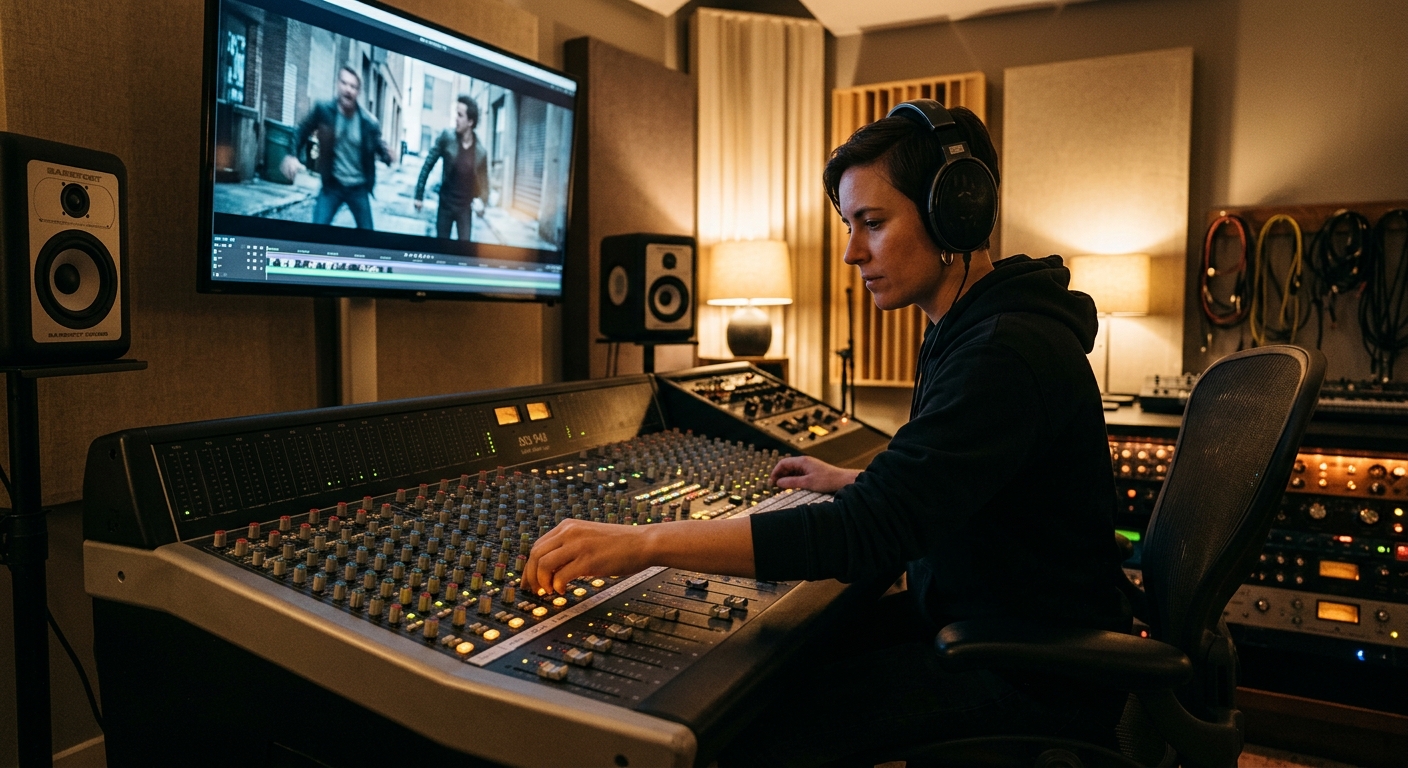
Music selection isn’t a bolt-on at the end of editing — or it shouldn’t be. The best results come from picking a temp track during the rough cut, so pacing decisions get made with the music already informing the rhythm, then swapping in a licensed final track (or the same one, once it’s cleared) before delivery. Editors who wait until picture lock to think about music end up fighting the edit to make a track fit, instead of the other way around. This is part of why we treat it as inseparable from the broader editing techniques for corporate videos we use on every project — the audio bed shapes cut timing as much as the script does.
Stems matter here too. A lot of libraries now offer stemmed versions of tracks — instrumental-only, percussion-only, a version without the lead melody — specifically so editors can duck elements in and out under dialogue instead of ducking the whole track’s volume and losing the low end. If you’re doing your own art of video editing in-house, check whether your library offers stems before you commit to a track; it’ll save you a painful EQ session later when a horn line keeps stepping on your subject’s voice.
One more practical note: download the WAV, not just the MP3, if the library offers both. WAV keeps the full dynamic range for your mix session; MP3 compression artifacts get more audible once you start EQ’ing and compressing a track alongside dialogue and sound effects. It’s a small thing until you’re in a mix session at 11pm wondering why the track suddenly sounds harsh under compression — that’s baked-in MP3 artifacting, not your mix.
Corporate clients in particular tend to underestimate how much genre consistency across a video series builds brand recognition. If your explainer videos, your recruiting video, and your product launch all pull from wildly different corners of a music library, the series won’t feel like it’s coming from the same company. Pick two or three moods that match your brand voice — warm and optimistic, clean and minimal, driving and confident — and stick to that lane across projects. It does more for brand consistency than most people expect from a background music choice, and it means viewers recognize your videos before your logo even appears on screen.
None of this replaces the judgment of someone who’s mixed hundreds of these projects and knows which library’s “corporate uplifting” folder is actually usable versus which one is full of tracks every competitor has already used in their own explainer video. That’s the part clients pay us for as much as the camera work.
Frequently Asked Questions
What does royalty-free actually mean for video licensing?
It means you pay a one-time fee or subscription for the right to use a track, instead of paying ongoing royalties every time the video is viewed or aired. It doesn’t mean the music is free or unrestricted — read the specific license for usage limits.
Can I get a YouTube copyright strike from royalty-free music?
Yes, if the track isn’t registered with YouTube’s Content ID system or the library’s ownership records are outdated. Confirm Content ID clearance before you build a video around a specific track.
Is a subscription library or a per-track purchase better for a corporate video?
Subscriptions make sense if you’re producing video regularly and want unlimited downloads for a flat fee. Per-track marketplaces are cheaper for a one-off project, like a single product launch video or annual report piece.
Should I use vocal tracks or instrumental tracks under a voiceover?
Instrumental almost always wins under narration or interview audio, since lyrics compete with the spoken word for attention. Save vocal tracks for title sequences or moments with no dialogue.
Do I need a broadcast license if my video is only running on social media and our website?
Usually not — most standard royalty-free licenses cover web and social use. Broadcast, paid national advertising, or theatrical use often require an upgraded license, so check the terms before the video runs anywhere beyond owned channels.
