
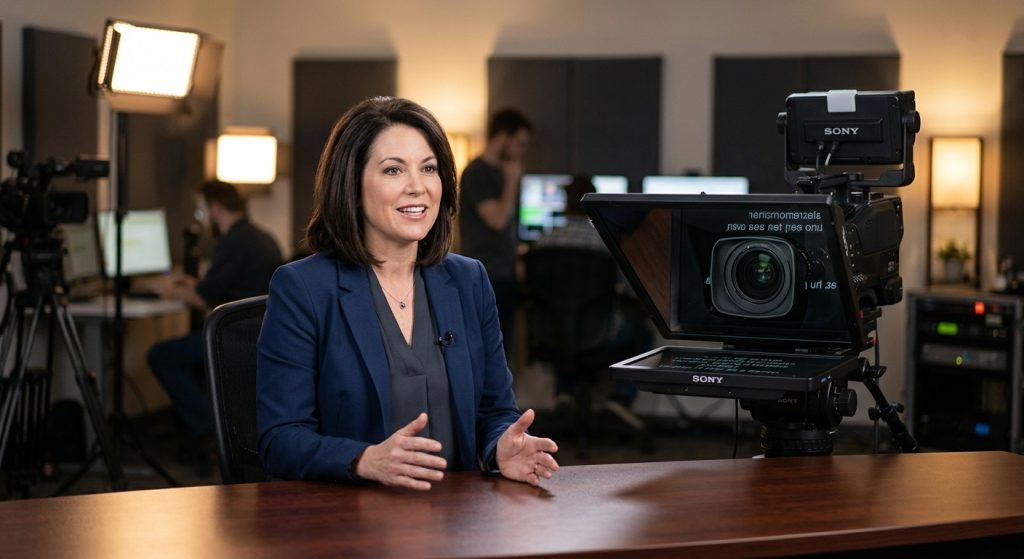
The most expensive thing on a corporate shoot isn’t the camera. It’s a CEO who needs 23 takes to get through a 90-second message because they keep looking down at notes. Learning how to use a teleprompter fixes that, and most of it comes down to preparation rather than gear.
Business video isn’t optional anymore. Wyzowl’s 2026 survey found that 91% of businesses use video as a marketing tool, which means your competitors are on camera too, and viewers can tell who looks comfortable and who is reading. Here is how we run prompters on set, and how you can get the same result.
How does a teleprompter work?
A teleprompter reflects your script onto a sheet of angled glass in front of the camera lens, so you read while looking straight into it. The camera shoots through the glass, which is one-way, so the audience sees only a person speaking directly to them.
A professional rig uses a beamsplitter mirror, a hood, and a monitor mounted below the lens. Hardware rigs start around $300, and broadcast-grade units cost far more. The cheaper options are a phone or tablet app, or a DIY mirror rig. Those work fine for social clips, but a cheap mirror often shows a faint double image of the text, called ghosting, and the glass reflects stray light in a bright room.
If you’re deciding between a rig and an app, the rule is simple. Use an app for solo, informal content. Hire a crew with a proper rig when the speaker is an executive, the lines are long, or the footage will run as an ad. Our video production services include prompter operation as part of a standard interview or spokesperson shoot.
How do you write a script for a teleprompter?
Write the way you talk, keep sentences to about 15 words or fewer, and read every draft out loud before it goes on the screen. A script written for the page reads like a press release the moment someone speaks it.
Our guide to writing a compelling video script covers structure in depth. Prompter-specific formatting is a separate skill:
- Use sentence case, not ALL CAPS. Capitals slow the eye down.
- Break the script into short lines. One thought per line gives you a natural pause at each break.
- Spell out tricky words phonetically. Put “Puyallup (pew-AL-up)” right in the text so nobody stumbles in take 6.
- Mark the beats. A simple (PAUSE) or (SMILE) in brackets reminds a nervous speaker to breathe.
- Write numbers the way you’d say them. “Twenty twenty-six” beats “2026” if that’s how it comes out of your mouth.
Keep each segment to one or two minutes. Splitting a six-minute message into three sections is easier on the speaker and easier to edit.
What font size and scroll speed should you use?
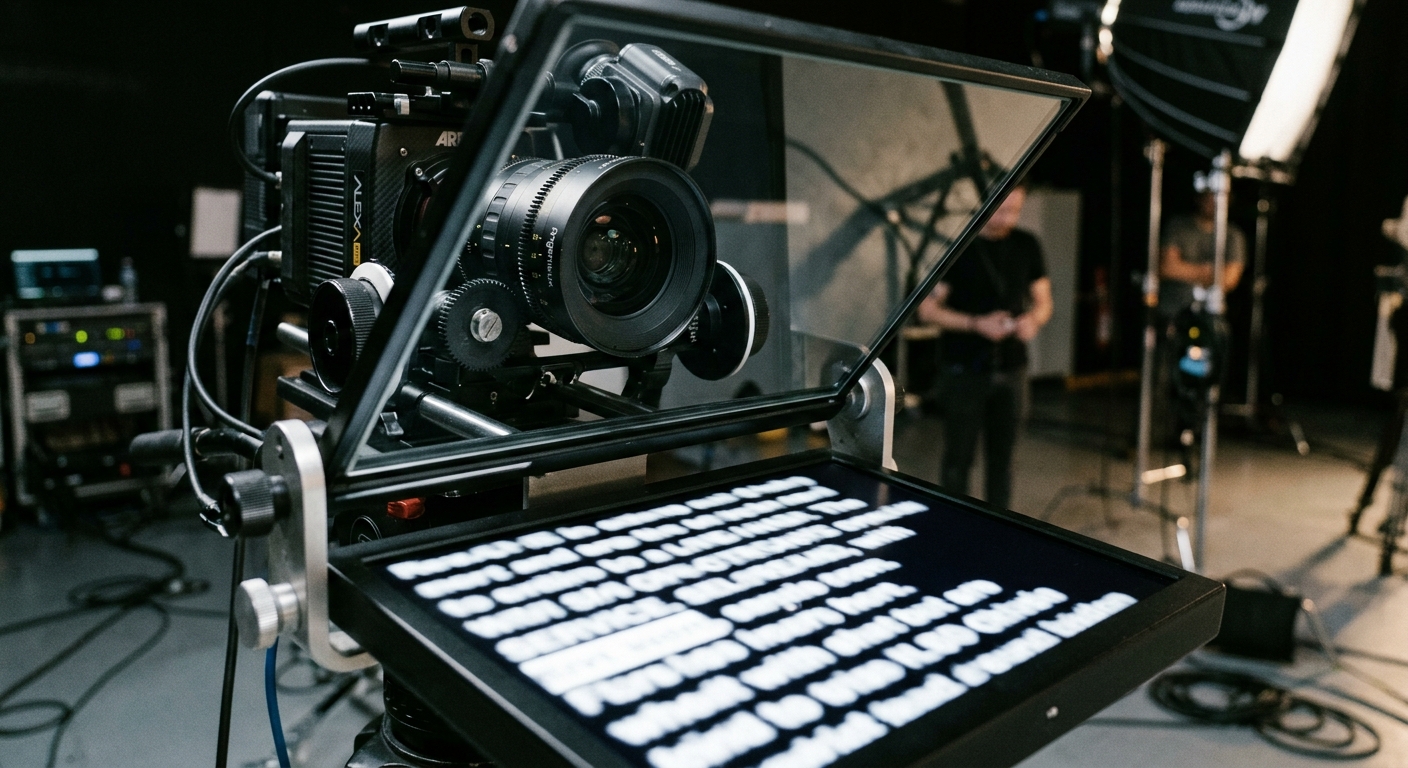
Use a font of at least 36 points in white sans-serif text on a black background, and start the scroll at about 130 words per minute. Most people speak comfortably at 120 to 150 words per minute, and nerves push them faster, so always start slower than you think you need.
Font size matters more than people expect. If the speaker leans in or squints, their eyes narrow and their head tilts, and it reads as strain on camera. Bump the size up until they can read comfortably from their natural distance.
Scroll speed should follow the speaker, not the other way around. A fixed scroll rate rarely matches real speech, because people pause for emphasis and laugh at a flubbed line. Three scroll methods are common:
1. Fixed speed. Fine for rehearsed delivery from experienced presenters.
2. Operator-controlled. A crew member watches the speaker and nudges the speed by hand or with a remote. This is what we use on most shoots.
3. Voice-activated. The text advances as the app hears you speak. It works well for solo creators, but it can lose its place if you ad-lib.
Whichever method you choose, set the speed on a dry run at full performance energy. Reading to yourself in a quiet room is always slower than delivering to a lens with a crew watching.
How do you keep eye contact without looking like you’re reading?
Keep your head still, let only your eyes move, and sit far enough from the screen that scanning the lines barely shifts your gaze. The classic mistake is “shifty eyes,” where the viewer watches the speaker’s pupils track left to right.
A few habits fix most of it. Place the prompter as close to the lens as you can and at the same height. Focus on the center of the text column rather than the ends of the lines, and read one or two lines ahead of the words you’re speaking so you’re never chasing the scroll. Blink normally. A fixed stare looks like a hostage video faster than anything else.
Distance helps too. Moving the speaker back and zooming in with a longer lens shrinks the angle between the text and the lens, so the eye movement nearly disappears. It’s one reason a prompter shoot works better in a real studio than a cramped conference room. Seattle clients often ask us to bring a rig on-site, and on location we plan the space the same way we would for any Seattle video production job: check the room size and window light before anyone sits down.
How should you practice before the shoot?
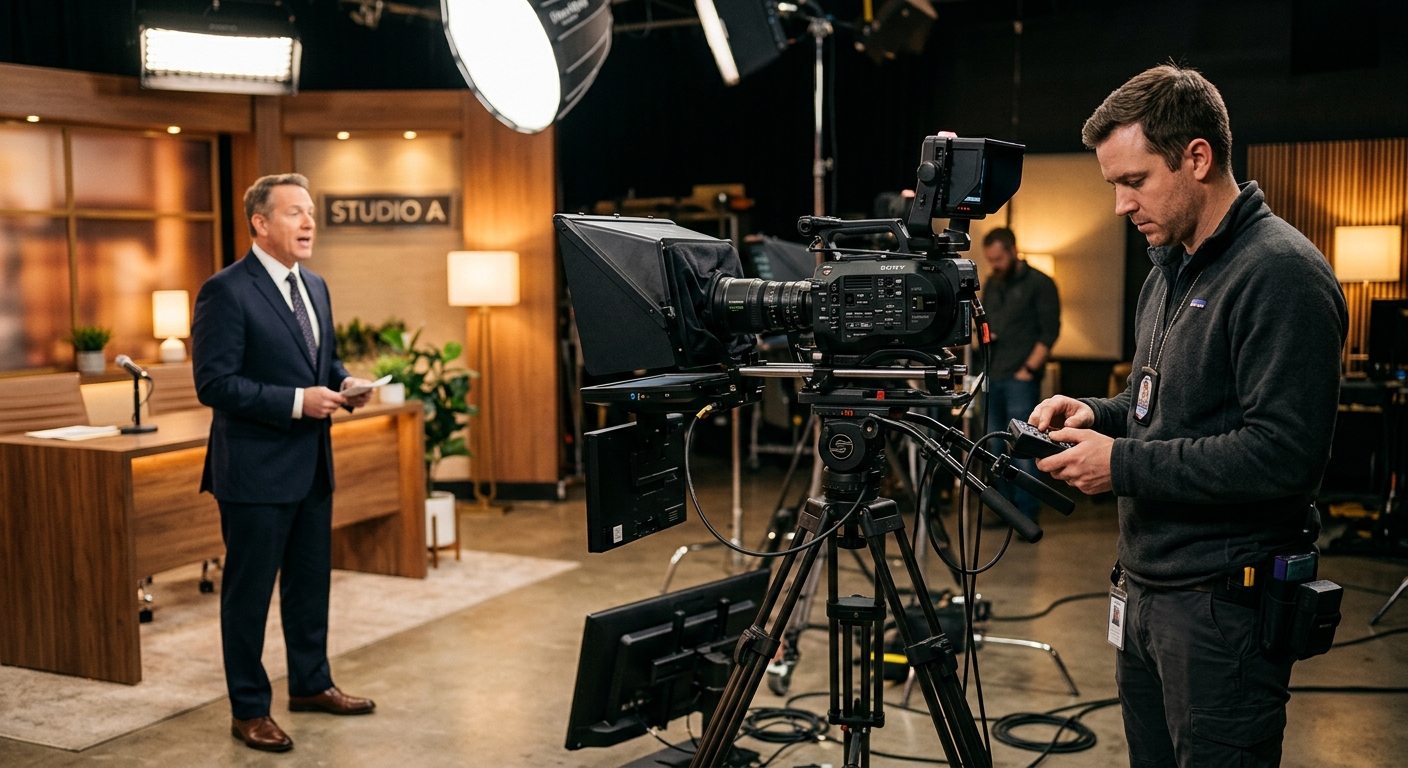
Do two rehearsals out loud, one at your desk and one on the actual prompter, and don’t memorize the script. The goal is familiarity, so the words feel like yours and you can recover when you lose your place.
A simple routine that works:
1. Read the script out loud once and rewrite every sentence that makes you stumble.
2. Run it on the prompter at the planned speed, with a timer.
3. Record a short test, watch it back, and fix one problem at a time: pace, eyes, or posture.
4. Shoot in segments. Two or three takes per section is normal for a first-time speaker.
If you want the full planning checklist, see our post on how to plan a video shoot. Send the script to the crew a few days early so the operator can flag awkward lines before the day.
How do you sound natural when reading?
Treat the script as a guide rather than a word-for-word contract, and let your voice do what it does in a normal conversation. Natural speakers vary pitch, speed up on easy phrases, and slow down on important ones.
Smile before the first line, use your hands if the frame allows it, and keep your posture open. Pauses are your friend, so treat the (PAUSE) marks as required. They give the editor room to cut, and they make you sound like you’re thinking.
For testimonials and Q&A formats, skip the prompter entirely. A corporate interview video feels more credible when the answers are unscripted, with the prompter reserved for the intro and the call to action.
What mistakes ruin a teleprompter shoot?
The most common failures are a script written for the eye, a scroll that’s too fast, and poor audio, not a bad prompter. Audio deserves a mention because the mirror box sits close to the lens and can bounce room echo around. Read our notes on sound for video production to make sure you capture clean voice.
Other repeat offenders:
- Reading in a monotone because the speaker never practiced the emphasis.
- A screen so bright it reflects in the speaker’s glasses.
- No remote or operator, so the speaker has to reach for the mouse mid-take.
- Skipping the dry run to “save time,” then burning an hour of crew time on re-takes.
Fix those four and you’ll cut your shoot time noticeably. If you’d rather hand the whole thing off, a crew that runs prompters daily will get an executive through a three-minute script in about 30 minutes of camera time.
Frequently Asked Questions
How fast should a teleprompter scroll?
Start at about 130 words per minute, which sits inside the comfortable 120-150 wpm speaking range for most people. Nerves tend to speed speakers up on camera, so begin slower than feels necessary. Adjust after a dry run delivered at full performance energy, not a quiet desk read.
What font size is best for a teleprompter?
Use at least 36-point white sans-serif text on a black background for most setups. Larger is better if the speaker sits farther from the screen. If the speaker squints or leans in, increase the size, since visible strain reads as discomfort on camera.
Can you use a phone as a teleprompter?
Yes. A phone or tablet running a teleprompter app works for solo, informal videos, especially with a Bluetooth remote. It sits below the lens, so eye movement is more visible than with a mirror rig. For executive or ad-quality footage, a beamsplitter rig is the better choice.
How do you stop looking like you’re reading from a teleprompter?
Keep your head still, move only your eyes, and focus on the center of the text instead of the line ends. Read one or two lines ahead, blink normally, and rehearse out loud twice. Sitting farther back from a prompter placed close to the lens also shrinks visible eye movement.
How much does a teleprompter cost?
A hardware teleprompter rig starts around $300 for entry-level units, while professional broadcast setups cost thousands. Teleprompter apps run from free to a monthly subscription. Hiring a production crew with a prompter and operator is typically folded into the day rate for an interview or spokesperson shoot.
