
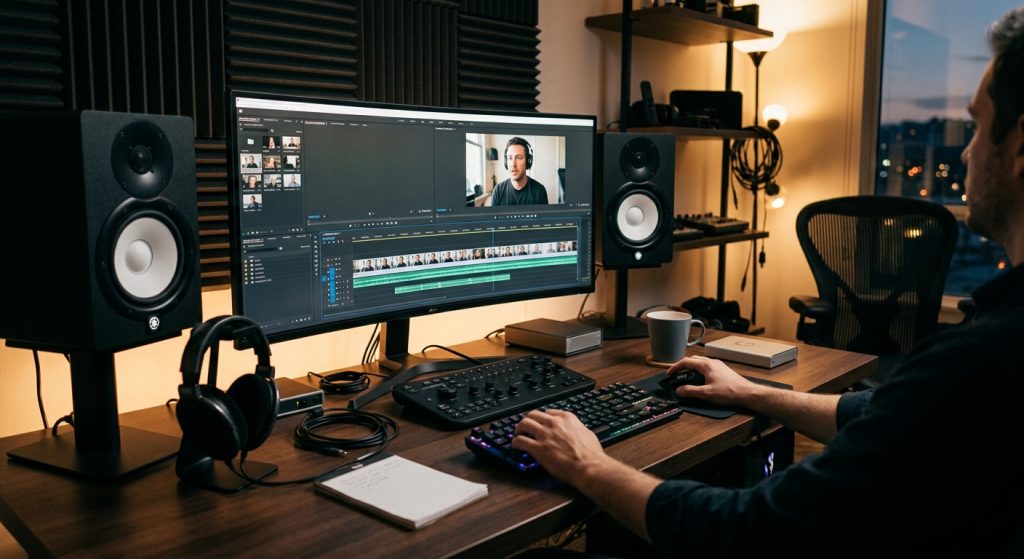
A client once sent us a finished brand film with a note: “Can you add subtitles for the deaf?” The file went out, the legal team was happy, and three weeks later someone in the Spanish-speaking market wrote back asking why every gunshot and doorbell was spelled out in English. Same request, wrong deliverable. The mix-up between subtitles vs captions vs SDH is one of the most common we see, and it costs real money when a video has to be re-exported, re-timed, or re-uploaded.
Here is the short version. Subtitles translate speech for people who can hear the audio. Captions transcribe speech and sound for people who can’t. SDH is a caption-quality track delivered in the subtitle format. The details below decide which one you actually order.
What is the difference between subtitles, captions, and SDH?
Subtitles assume the viewer can hear and need the dialogue in another language, captions assume the viewer cannot hear the audio, and SDH (Subtitles for the Deaf and Hard of Hearing) is a captioning-grade track that travels through the subtitle channel. Each one solves a different problem, so they are not interchangeable.
Subtitles carry dialogue only. A viewer watching a French film with English subtitles can hear the door slam and the music swell, so nobody types “[door slams]” on screen. Speaker labels are skipped too, because the voices are audible.
Captions (usually called closed captions, or CC) are written in the same language as the audio and include everything a hearing viewer would pick up: speaker names when the speaker is off-screen, sound effects like [phone buzzing], music cues such as ♪, and tone notes like (whispering). Captions are the format our sibling guide on closed captions covers in more depth.
SDH merges the two. It has the sound cues and speaker IDs of captions, but it is built as a subtitle file, so streaming services and disc players that only accept subtitle tracks can display it. It can also be translated, which gives a deaf viewer in Madrid a Spanish track with the sound effects intact. Visually, CC tends to be white text on a black band that can be moved around the screen, while SDH usually uses the same proportional font as normal subtitles, centered in the lower third.
Closed captions vs open captions
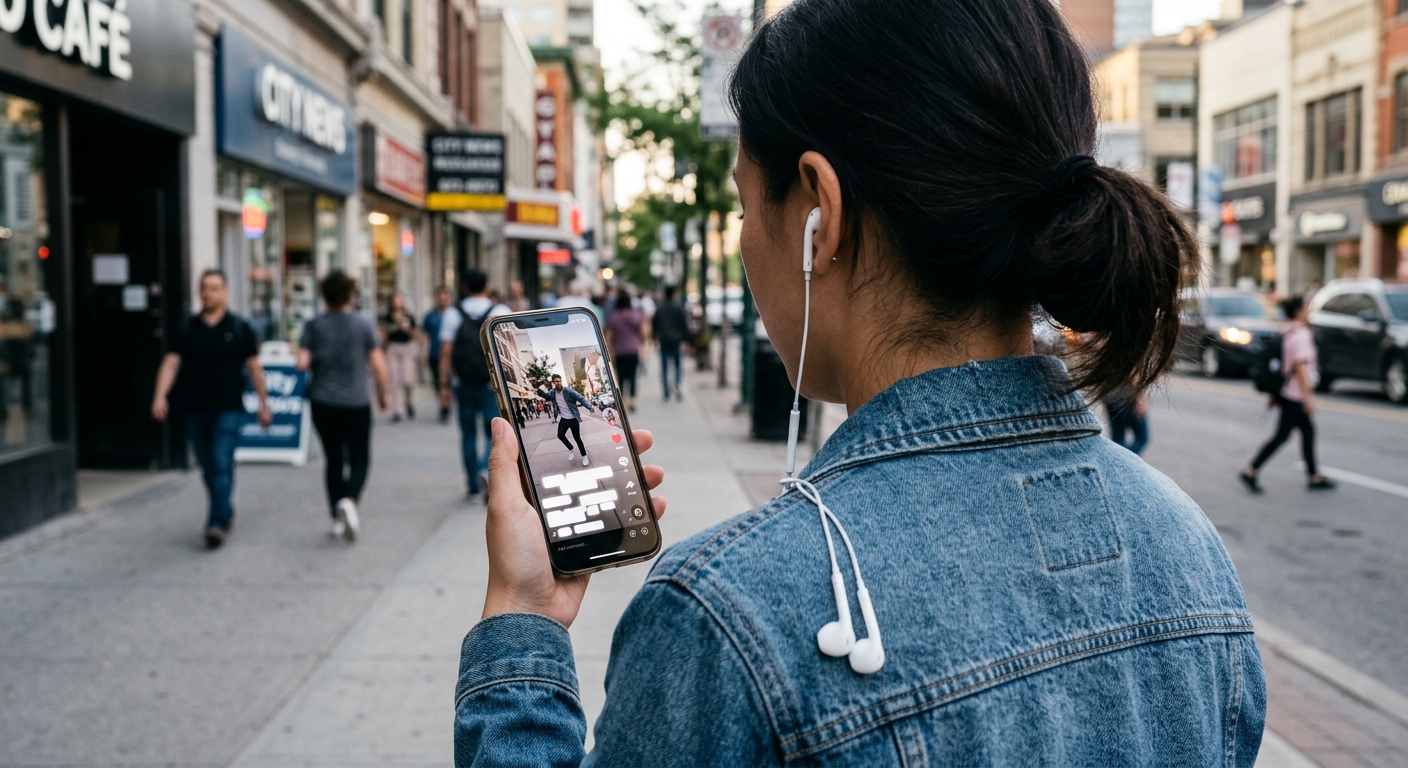
Closed captions can be switched on and off by the viewer, while open captions are burned permanently into the video pixels and cannot be turned off. That single distinction drives most of our delivery decisions.
Closed captions live in a separate sidecar file or a broadcast data stream. The viewer controls them, and you can swap or correct the file without re-rendering the film. Open captions are part of the picture. They look the same on every platform, which is exactly why they dominate short-form social, where autoplay is silent and the platform’s own caption toggle is buried in a menu.
The trade-off is real. Burned-in text can collide with lower thirds, logos, and on-screen graphics, so we plan safe zones during the edit rather than after. If you are cutting vertical content for several platforms, our notes on social media video production and adapting video content for different platforms explain how we handle that layout problem. A Verizon Media and Publicis Media survey of 5,616 U.S. adults in 2019, summarized by 3Play Media, found that 80% of respondents were more likely to watch an entire video when captions were available, and 69% said they watch video with the sound off in public places. Silent viewing is the default for a big share of your audience.
When should you use subtitles, captions, or SDH?
Choose captions or SDH when accessibility or silent viewing is the goal, choose subtitles when the only barrier is language, and choose open captions for short social clips. The deciding question is simple: can the viewer hear the audio?
- Corporate website, training video, or webinar replay: closed captions. Viewers expect a toggle, and you want a clean transcript for search.
- Instagram, TikTok, and LinkedIn clips: open (burned-in) captions, styled to match the brand.
- Netflix, Amazon, Apple TV, or a disc release: SDH, because those platforms request it in the subtitle format. Most also want a separate foreign-language subtitle track.
- Foreign-market versions of a commercial: subtitles, or SDH in the target language if accessibility is also required.
- Broadcast television in the U.S.: CEA-608/708 closed caption data embedded in the signal.
Most commercial projects need more than one. A single hero film often ships with a closed-caption sidecar for the website, an open-caption cut for social, and an SDH file for any streaming placement. We scope all three at the start so the edit leaves room for them. That scoping happens inside the same video post-production process as color and sound, not as a rushed afterthought.
Which caption file format do you need?
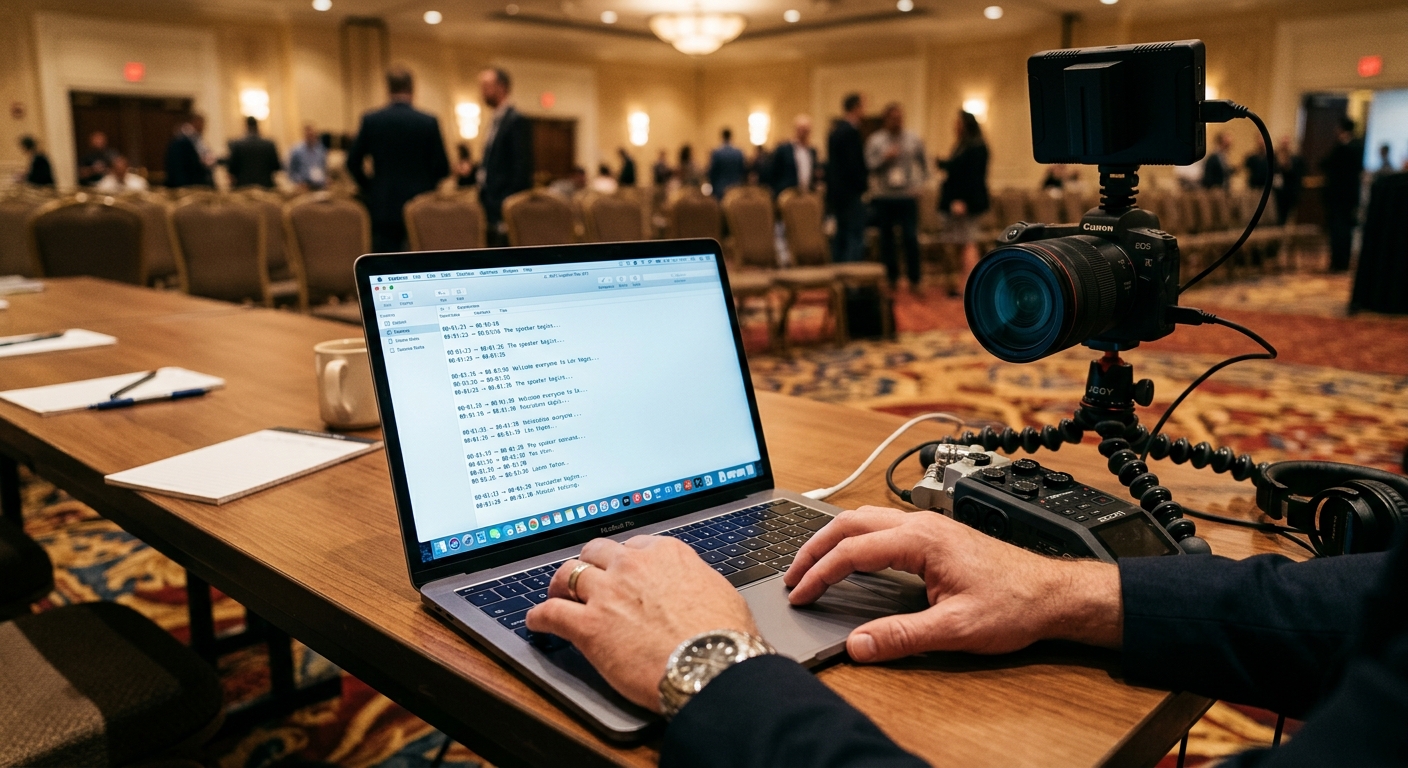
For web delivery, SRT and WebVTT cover almost every case, while broadcast television uses CEA-608/708 and SCC. Picking the wrong container is how a perfectly good transcript ends up rejected by a platform.
- SRT (SubRip): plain text with timecodes. Accepted by YouTube, Facebook, LinkedIn, and Vimeo. No styling, which is a feature when you want the platform to control appearance.
- WebVTT (.vtt): the HTML5 standard. Supports positioning and basic styling, and it is what most embedded web players expect.
- SCC and CEA-608/708: the U.S. broadcast standards. Line 21 captions on old analog TV evolved into these embedded data formats.
- ASS/SSA and EBU-STL: styled subtitle formats used in anime, fan translation, and European broadcast workflows.
One practical rule: always keep a clean, timed master transcript. Every other format can be generated from it in minutes, in as many languages as the campaign needs.
What does the law require for captions in the U.S.?
In the U.S., the FCC requires captions on broadcast television and on internet video that previously aired on TV, and accessibility rules like the ADA and WCAG increasingly shape what businesses publish online. The FCC’s 47 CFR 79.1 sets four quality standards: accuracy, synchronicity, completeness, and placement.
Those four standards are a useful checklist for any video, regulated or not. Words must be spelled correctly, text must appear when the speech happens, the whole program must be covered, and captions must not block essential visuals like a product on screen or a speaker’s face. WCAG 2.1 asks for captions on prerecorded video at Level A, and the 2024 ADA Title II rule points state and local government sites at WCAG 2.1 AA. Private businesses don’t always face a direct mandate, but accessibility lawsuits over uncaptioned web video are a documented risk. I’m not a lawyer, so run compliance questions past yours. As a producer, though, I’d rather pay for captions on day one than for a demand letter later.
How accurate do captions need to be, and who writes them?
Aim for 99% accuracy or better, which in practice means AI-generated first drafts reviewed by a human editor. Auto-captions alone typically land around 90% in clean audio and drop fast with accents, crosstalk, product names, or background music.
A 90% accurate transcript sounds fine until you do the math: that is one wrong word in every ten. In a ten-minute interview of about 1,500 words, that is roughly 150 errors, and a few of them will be your CEO’s name or your product. Our workflow runs speech recognition first, then a human pass for names, jargon, and punctuation, then a timing check against the final picture lock. Typical specs we hit: two lines maximum, about 32-42 characters per line, and a reading speed that lets a viewer finish the line before it disappears. Cleaner source audio makes all of that faster, which is one reason we spend so much effort on recording good sound on set.
How we handle captions for Las Vegas productions
We plan captions and subtitles during pre-production, then deliver the right combination of open, closed, and SDH files alongside the master cut. Convention keynotes, resort and hospitality spots, and trade-show recaps shot in Southern Nevada often play in loud rooms and on silent screens, and they often reach international buyers. That makes open captions and translated subtitles a standard line item rather than an upsell.
If you are planning a shoot, our Las Vegas video production team can build captioning and localization into the schedule and budget from the first call. You can see the full range of what we deliver on our services page. Tell us where the video will live and who will watch it, and we will tell you which files to order.
Frequently Asked Questions
What is the main difference between subtitles and closed captions?
Subtitles translate dialogue for viewers who can hear the audio but don’t understand the language, while closed captions transcribe dialogue plus sound effects, music cues, and speaker labels for viewers who cannot hear. Captions are normally in the same language as the audio and can be toggled on or off.
What does SDH stand for, and how is it different from closed captions?
SDH stands for Subtitles for the Deaf and Hard of Hearing. It includes the sound cues and speaker identification of closed captions but is delivered as a subtitle track, which streaming platforms and discs accept. Unlike traditional CC, SDH can also be translated into other languages.
Should I use open captions or closed captions on social media?
Use open (burned-in) captions for short social clips, because they display identically on every platform and play automatically on silent feeds. Use closed captions for your website, training, and long-form videos, where viewers expect a toggle and you may need to correct the file later without re-rendering.
What caption file format should I request, SRT or VTT?
Request SRT for uploads to YouTube, Facebook, LinkedIn, and Vimeo, and WebVTT for custom HTML5 video players on your own website. Both are plain-text timed files. Broadcast television uses SCC or CEA-608/708 instead, so confirm the destination before ordering.
Are captions legally required for business videos in the U.S.?
Captions are legally required for U.S. broadcast television and internet video that aired on TV under FCC rules. Other business videos fall under accessibility standards like WCAG and the ADA, where requirements vary by organization type. Ask a qualified attorney about your situation, but captioning every public video is the safe standard.
