
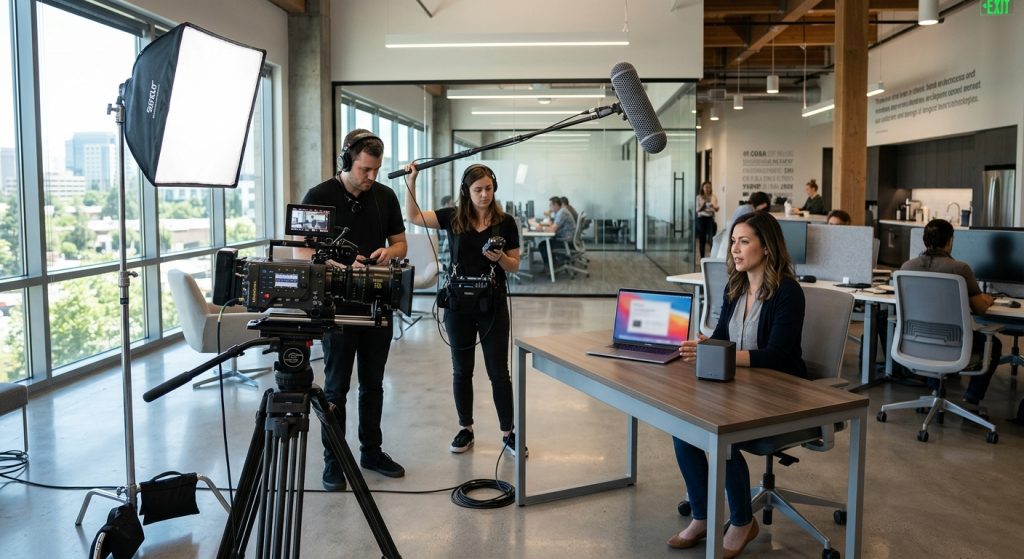
Most product demo videos lose the viewer in the first fifteen seconds, and it’s almost never because the product is bad. It’s because the video opens on a logo, a founder’s welcome, or a list of features nobody asked about. A good product demo video opens on the problem the viewer already has, then shows the product solving it in the shortest honest path possible. Everything else is decoration.
I’ve sat in enough edit bays watching analytics graphs fall off a cliff at the 0:12 mark to say this with confidence. Here’s how we approach a demo from the first call to the final export, including the numbers clients always ask about: length, cost, format, and where the thing should live once it’s done.
What does a product demo video actually need to do?
A product demo video needs to answer one question for one viewer: “how does this work, and will it solve my problem?” It is not a brand film, and it is not an explainer that defines a category. It shows the product doing a real job.
That distinction matters because buyers now do a lot of evaluating on their own. A 2026 Gartner survey of 646 B2B buyers, summarized by Vidico, found that 67% prefer a rep-free buying experience. Your demo video is frequently the salesperson. It has to handle objections, show the interface or the physical product working, and leave the viewer with a clear next step, all without anyone in the room.
Where the demo sits in the buying process changes what it should say. A cold prospect on a homepage needs a fast promise. Someone comparing three vendors needs specifics: integrations, edge cases, what the setup looks like. Our post on how the customer journey shapes video content goes deeper on matching the message to the stage.
How long should a product demo video be?
Most product demo videos should run 30 seconds to 2 minutes, with the placement setting the exact length. A social feed clip works at 15-30 seconds, a homepage hero at 60-90 seconds, a product page at 90 seconds to 3 minutes, and a sales-enablement walkthrough can stretch to 3-5 minutes.
Retention is the reason. Vidyard’s benchmark data, again via Vidico, puts completion at about 65% for videos under one minute and roughly 20% for videos past twenty minutes. The steepest drop-off happens early, so the first ten seconds carry more weight than the last two minutes.
The trick is to stop treating length as one decision. We usually deliver a master cut plus a family: a 15-second social cut, a 60-90 second homepage version, and a longer walkthrough for the sales team. Shooting once and cutting for each placement costs far less than three separate productions. If you’re weighing a single long piece against several short ones, this breakdown of short-form versus long-form video covers the tradeoffs.
What does a product demo video cost?
A professionally produced product demo video typically costs $3,000-$15,000 for a 60-120 second piece, with premium agency work for complex software running $18,000-$40,000 or more. The spread comes from format, complexity, and turnaround, not from the length alone.
Published 2026 ranges from Vidico put screen recordings with light editing at $500-$2,000, screen recording with motion graphics at $2,000-$6,000, stylized UI animation at $5,000-$12,000, full 2D/3D animation at $8,000-$20,000, and live action at $10,000-$30,000 or more. ContentBeta’s September 2026 buyer guide lands the ROI sweet spot for B2B SaaS at $7,000-$12,000, which matches what we see.
The line items that surprise people:
- Scripting and strategy: often 25-30% of the budget, and the cheapest place to save money is also the most expensive place to skimp.
- Revision rounds: each round beyond the contracted number runs $300-$800.
- Voiceover: $300-$600 for a professional read.
- UI rebuilds: if your interface changes every quarter, budget for updates. Re-cutting a screen-based demo can cost $2,000-$8,000 depending on how deeply the UI was animated.
- Localization and social exports: $500-$2,000 per language, and $300-$1,000 for vertical and square versions.
For a broader look at what drives price, our production budget guide walks through the same variables.
Which format fits: screen recording, motion graphics, live action, or interactive?
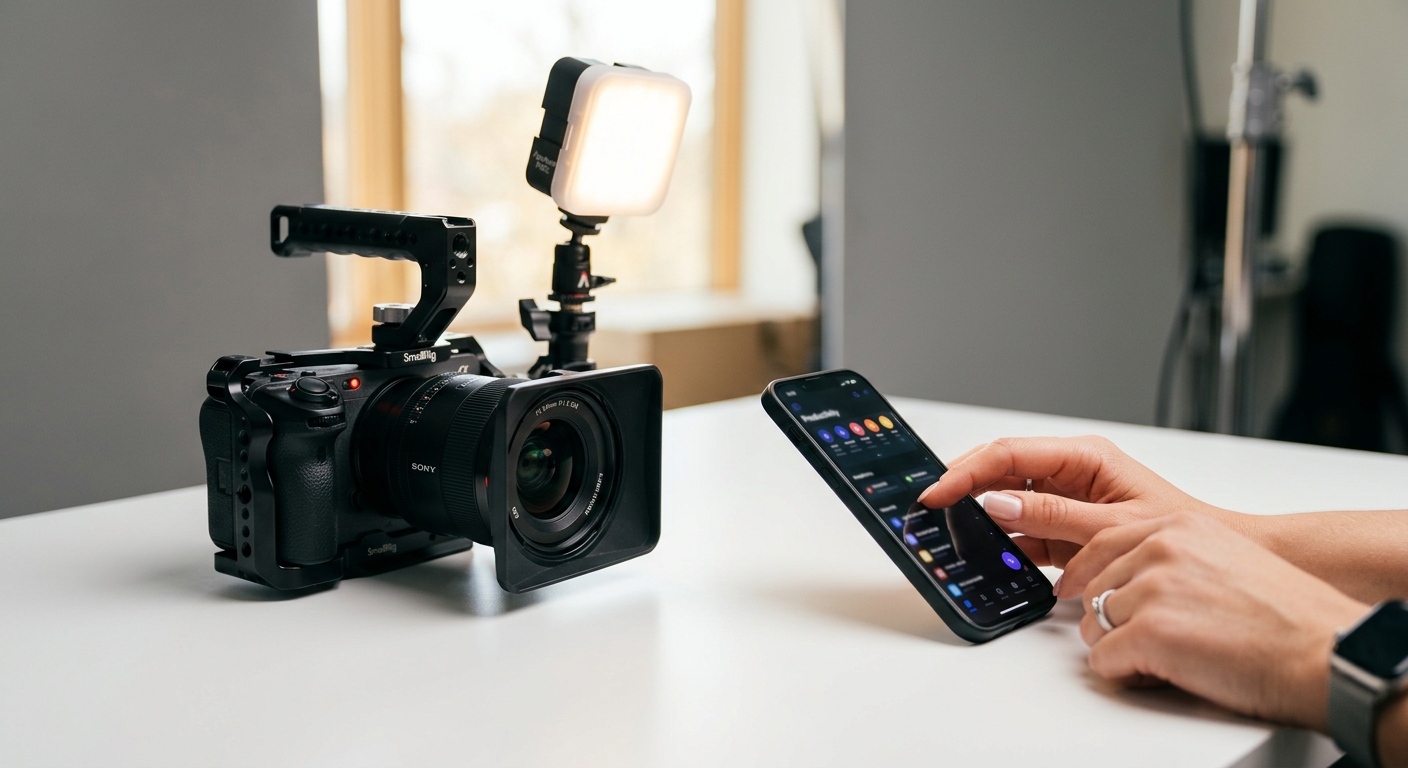
Screen recording suits software with a simple workflow, motion graphics suit complex or abstract products, live action suits physical products and anything where trust in people matters, and interactive demos suit prospects who want to click around themselves. Most strong demos blend two of these.
Screen recording with callouts. Cheap, fast, and honest. Zooms, cursor guidance, and tight edits do most of the work. It falls apart when the UI is cluttered or changes often.
Stylized UI animation. The interface is rebuilt as motion assets, so you control exactly what the viewer sees. It looks polished and ages well, but it’s the format that triggers those UI-maintenance costs.
Live action. A real person using the product in a real space. For hardware, consumer goods, or anything physical, nothing else shows scale, texture, and use as well. It’s also the most expensive and the one that benefits most from an experienced crew, since lighting a shiny product without reflections is a craft of its own.
Interactive demos. Tools like Navattic and Storylane let a prospect click through a guided version of the product. They complement video rather than replace it; the video sells the idea and the interactive demo lets the buyer verify it.
There’s also a fifth option that’s changed the math on small projects. AI-generated footage can fill gaps in b-roll or concept visuals, and we’ve written about where it works and where it wrecks credibility in our piece on AI product video. My rule: never generate the product itself. Buyers can smell a fake UI.
How do you script a product demo video?
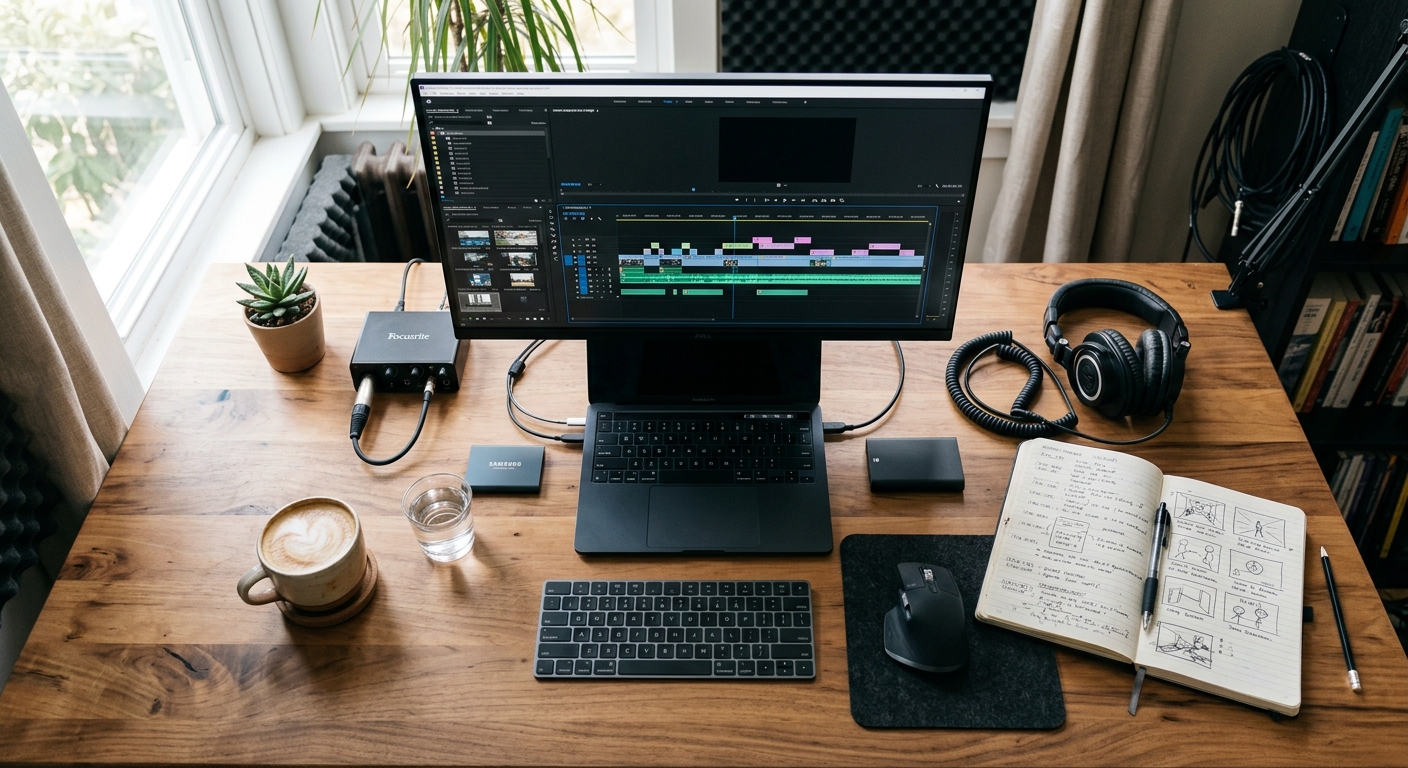
Build the demo around one real task the customer wants done, and give every screen a reason to exist. A workable structure runs: problem (about 20 seconds), the before-state (15 seconds), the core workflow (60-90 seconds), then results and a next step (15 seconds).
Inside the workflow section, use an Action-Reason-Result rhythm. Action: “Connect your CRM.” Reason: “That pulls in the deal data your team already trusts.” Result: “Stalled deals surface automatically.” Three beats, then move on. This keeps the narration from turning into a feature tour, which is the most common failure we’re hired to fix.
Some habits that separate good scripts from mediocre ones:
1. Write for the ear. Read every line aloud; if you’d never say it to a colleague, cut it.
2. Cut features that don’t serve the chosen task. They belong in a different video.
3. Use the customer’s vocabulary, not the product team’s.
4. Get a real customer outcome into the script. Vidico’s 2026 State of Creative survey found 42.7% of leaders rate customer outcomes as the most persuasive proof.
We have a full walkthrough of how to write a compelling video script, and if you’re a marketing lead briefing an outside team, a tight video brief will save you a revision round or two.
Where should the call to action go?
Put the main call to action mid-video, right after the first big payoff, and repeat it at the end. Wistia’s analysis of more than 36,000 calls to action found mid-roll CTAs converting at about 16.95%, compared with roughly 10.98% for CTAs at the end.
The reasoning is simple. Plenty of viewers won’t make it to the end, but nearly everyone who’s convinced at minute one is ready to act right then. Give them the button while they’re still nodding.
Then think about where the video lives. A demo buried on a YouTube channel does little. It belongs on the homepage, the pricing page, comparison pages, in outbound sales emails, and inside onboarding. Add captions to every version; a large share of feed and email viewing is muted, and captions also make the video searchable. If you want ideas for the action itself, see our list of video call-to-action ideas.
Product demo video production in San Jose
For San Jose tech companies, the practical advantage of working with a local crew is speed on the messy parts: capturing a real customer on site, shooting hardware in a lab or office, and re-shooting when the product ships a new release. Our San Jose video production team handles everything from scripting to final delivery, and the product video production service page shows how we structure the packages.
Silicon Valley buyers are also some of the most demo-literate in the country. Engineers and product managers notice a staged interface immediately. So we lean toward real product footage, real data in the screens, and narration that sounds like a knowledgeable person rather than an announcer. Polish matters, but credibility matters more.
How do you know if your product demo video is working?
Track completion rate, CTA click rate, and where viewers drop off, then compare them to what the video is supposed to do at its placement. A homepage hero should be judged by clicks to a trial or booking page. A sales-follow-up video should be judged by reply and meeting rates.
Look at the retention graph first. A sharp fall in the opening seconds means the hook is wrong. A slow bleed through the middle means the walkthrough is too long or too generic. A spike of replays at one moment usually flags either confusion or the exact feature your buyers care about most. Our guide to measuring video marketing success covers the metrics in more detail, and the broader video marketing strategy post shows how a demo fits alongside testimonials and brand content.
Then act on it. Recut the first fifteen seconds, test a different CTA position, trim the middle. Demos are living assets. The ones that perform are usually the third cut, not the first.
Frequently Asked Questions
How long should a product demo video be?
Most product demo videos should run 30 seconds to 2 minutes. Social feeds work best at 15-30 seconds, homepages at 60-90 seconds, and product pages at 90 seconds to 3 minutes. Sales-enablement walkthroughs can reach 3-5 minutes because the viewer is already evaluating the product.
How much does a product demo video cost?
A professionally produced product demo video usually costs $3,000-$15,000 for a 60-120 second piece. Simple screen recordings start near $500-$2,000, while live action or full 3D animation can reach $10,000-$30,000. Scripting, revisions, voiceover, and localization drive most of the variation.
What is the difference between a product demo video and an explainer video?
A product demo video shows the product working and answers “how does it work?”, while an explainer video defines a problem or category and answers “what is this and why should I care?” Demos are usually for buyers already evaluating options; explainers are for earlier awareness.
What should a product demo video include?
A product demo video should include a clear opening problem, one real customer task shown start to finish, a visible result, and a single call to action. Add captions and one piece of customer proof. Avoid touring every feature, since that makes viewers drop off before the payoff.
How long does it take to produce a product demo video?
A typical professional product demo video takes 3-6 weeks from kickoff to final delivery: about a week for scripting and approval, one to two days of shooting or capture, and one to three weeks for editing, motion graphics, and revisions. Rush turnarounds are possible but raise the price.
