

Most companies budget for a training video the way they’d budget for a PowerPoint, then get a quote for $18,000 and wonder what went wrong. The gap is almost always a misunderstanding of what’s being priced. A realistic training video cost runs from about $1,000 per finished minute for a screen recording to $10,000 or more per minute for a multi-location live-action shoot, and where you land depends on a handful of decisions you control.
I’ve scoped these projects for manufacturers, clinics, schools and software teams. The same pattern repeats: the companies that get a fair price decide on format, length and update plan before they ask anyone for a number.
How much does a training video cost?
Expect $1,000 to $4,000 per finished minute for most professionally produced training, with simple screen recordings below that and heavy live-action or animation above it. Published rate ranges from production companies cluster around that band, with corporate and training work stretching to $10,000 per minute at the top end.
Here is how that breaks down by format, using ranges we see in real bids plus published figures from Zelios and Colossyan:
- Screencast or narrated slideshow: $1,000-$3,000 for a 60-90 second video.
- Software demo with annotations: $2,500-$6,000 per 60-90 second video, because someone has to learn your interface and keep it accurate.
- Animated or hybrid (live action plus motion graphics): $3,000-$8,000 for 60-90 seconds.
- Fully custom live-action: $8,000-$20,000+ for 60-90 seconds, and more if you add multiple locations or heavy graphics.
- Talking-head interview style: roughly $1,000-$4,000 per finished minute.
Notice that the units are finished minutes, not shoot days. A ten-minute safety module doesn’t cost ten times a one-minute spot, since setup, lighting and a day of crew get spread across more footage. Longer videos are cheaper per minute and more expensive in total.
What drives training video cost up or down?

Format, crew size and revision rounds move the price more than anything else; length matters less than people expect. If you only control three things, control those.
Format. Live action with real employees on a real floor costs more than a narrated slide deck, and animation costs more than both when it’s custom. Our guide to different styles of corporate videos shows what each looks like on screen so you can match the style to the subject.
Crew and day rate. A single camera operator with a sound recordist is a very different invoice from a four-person crew with lighting and grip. Camera operators run roughly $1,000-$4,800 a day depending on market and experience, and a full crew can reach $2,500-$8,000 a day. Professional camera packages rent for $800-$2,400 a day before lighting and audio.
Talent. Using your own subject-matter experts is free but can cost you time on set. Hired presenters or actors run $500-$1,500 a day. For anything where the person on camera needs to be believable, casting is worth doing properly.
Revisions. Two rounds are normal. Every extra round is billed hours of editing, commonly $500-$2,000 each, and it’s the line item that surprises people most.
Location and market. Major metros carry a premium. A shoot in the Central Valley is usually less expensive than the same crew booked in the Bay Area, which is one reason many California teams hire a Fresno video production company rather than flying in a crew from LA or San Francisco.
Where does the money actually go?
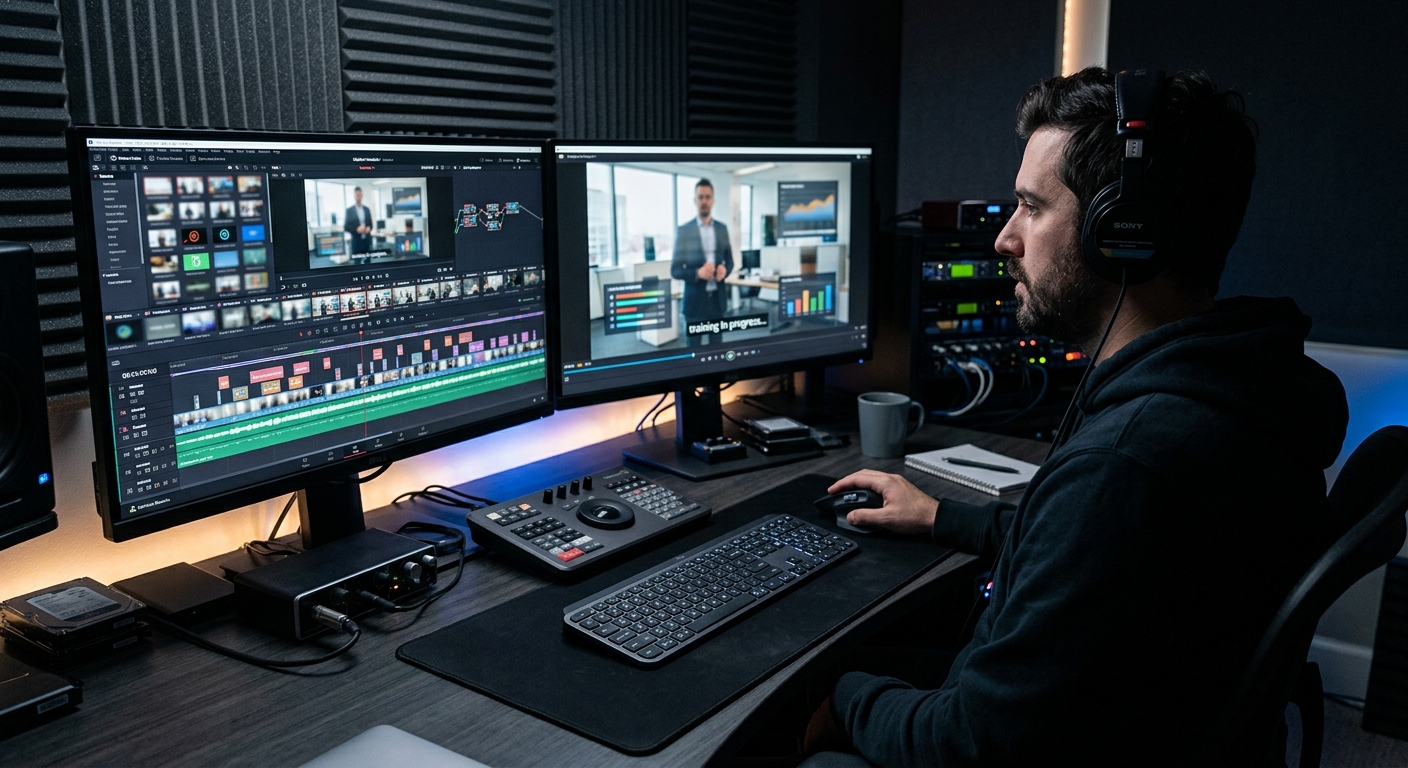
Roughly 15-20% goes to pre-production, 40-55% to shooting and 25-35% to editing and post-production. That split, reported in the Colossyan breakdown citing Clutch agency data, matches what I see on our own invoices.
Pre-production is the part clients try to trim and shouldn’t. A tight script and shot list is the cheapest thing you will ever buy; a vague one turns into a second shoot day. If scripting is your bottleneck, start with how to write a compelling video script before you call anyone.
Post-production is where hidden cost lives. Captions, a second cut for mobile, motion graphics for key steps, and licensed music all land here. Subtitles alone typically add $1-$3 per minute, and a voiceover in a second language runs $300-$1,000 per language.
How long should a training video be, and does length change the price?
Shorter videos finish more often, and length changes price mainly by changing shoot time. TechSmith’s 2024 Video Viewer Study surveyed 1,000 people about instructional video and found 75% of viewers receptive to AI-generated video content, which tells you viewers care far more about clarity than about whether a camera was involved. Separate TechSmith guidance treats a 70% completion rate as the benchmark for shorter training videos.
In practice, I’d break a 30-minute onboarding course into six or eight modules of 3-6 minutes each. You spend about the same on production, but you can update one module without reshooting everything. That alone changes the long-term economics.
Should you hire a production company or build it in-house?
Hire out when the video will be seen by many people for more than a year; build in-house when it’s a quick internal update that will be obsolete in a month. An in-house videographer costs around $70,000-$90,000 a year once equipment is included, so it only pays off if you make a steady stream of content.
Outsourcing mid-level short videos commonly runs $3,000-$10,000, while larger multi-module programs reach $15,000-$40,000. A corporate video production partner brings the crew, lighting and editing as one fixed scope, and you get a quote instead of a payroll line. Agencies typically add 15-25% over direct costs, so ask what’s inside that number.
A hybrid approach works well for many teams: pay a professional crew to shoot the hard material (a machine operation, a patient interaction, an executive message) and handle simple screencasts yourself. Our walkthrough on creating training videos for employees covers how to divide that work.
How do you keep a training video cost under control?
Lock the script, limit the number of locations, batch your shoots, and plan updates in advance. Those four moves usually trim 20-30% from a quote without making the video worse.
1. Batch. Shoot six modules in one day instead of six separate days. Setup is the expensive part.
2. Shoot b-roll once. Reusable footage of your facility, equipment and people can serve many future videos.
3. Design for updates. Keep screens, text and branding as editable graphics layers rather than baked into footage, so a product change doesn’t mean a reshoot.
4. Agree on revisions upfront. Name the number of rounds and who approves, in writing.
5. Set a budget first. How to create a production budget gives you a framework you can hand to a producer so the quotes you get back are comparable.
Pricing for adjacent formats is useful for comparison too; our breakdowns of how much a corporate video costs and explainer video costs show where training sits relative to marketing work. If your content is for schools or learners, educational video production covers that side of the same discipline.
What are the hidden costs of training video?
Updates, localization and compliance revisions are the costs that rarely appear in the first quote, and they can roughly double the lifetime expense of a video. A solid training video generally stays useful for two to three years, but only if you plan for the change that will happen in the meantime.
Ask any producer you talk to four questions: Who owns the raw footage? What does a text-only update cost? Are captions included? Can you re-cut the video into a shorter version for new hires? The answers tell you more about the real price than the headline number does.
A sensible way to start
Write down the single behavior you want a viewer to change, the audience size, and how long the content will stay accurate. Those three facts let a producer give you a real number within a day. If you’re in the Central Valley and want to talk through a scope, our team can walk you through formats and ballpark pricing before you commit to anything.
Frequently Asked Questions
How much does a training video cost per minute?
Most professionally produced training videos cost $1,000 to $4,000 per finished minute. Simple screen recordings fall below that range, while multi-location live-action or custom animation can reach $10,000 or more per minute. Longer videos cost less per minute because setup and crew time are spread across more footage.
How much does a 5-minute corporate training video cost?
A 5-minute corporate training video typically costs $5,000 to $15,000 with a professional crew, depending on format. A talking-head or screencast style sits at the low end, while live action with hired talent and motion graphics sits at the high end. Revisions and captions can add to that.
Is it cheaper to make training videos in-house?
In-house is cheaper only if you produce videos steadily. A full-time videographer with equipment costs roughly $70,000 to $90,000 per year, so occasional projects are usually less expensive to outsource. Short-lived internal updates suit in-house production, while content used for years suits a professional crew.
What hidden costs affect training video cost?
The most common hidden costs are revision rounds ($500-$2,000 each), captions ($1-$3 per minute), voiceovers in other languages ($300-$1,000 per language), and later content updates. Together these can roughly double a training video’s lifetime cost, so ask for them in the original quote.
How can I lower the cost of a training video?
Lock the script before filming, shoot several modules in one day, limit locations, and agree on the number of revision rounds in writing. These steps typically trim 20 to 30 percent from a quote. Building graphics as editable layers also makes later updates much cheaper than reshooting.
