

Most video emails fail before anyone presses play. The video was fine. The email client never showed it, or the thumbnail was a blurry mid-sentence frame of a speaker, or the send went out with a 40 MB file that landed in spam. Video email marketing works, but only if you treat the inbox as a delivery problem first and a creative problem second.
I’ve watched businesses spend $8,000 on a gorgeous brand film and then bury it in a newsletter as a bare YouTube link. Here is how to do it so the video actually earns clicks.
What is video email marketing?
Video email marketing is the practice of using video in email campaigns, almost always as a clickable thumbnail or short animated GIF that sends the subscriber to a hosted video page. The video itself rarely plays inside the message, because Gmail, Outlook, and Yahoo don’t support in-email playback. Apple Mail does, but you can’t build a program around one client.
So the real product is a three-part chain: the email, the thumbnail or GIF, and the landing page where the video plays. Weak links in that chain cost you more than a weak video ever will.
Does video in email actually improve results?
Yes, but the numbers vendors quote are inflated, so plan for modest, real gains. Campaign Monitor-style claims of a 65% click lift or 300% jumps circulate everywhere with no clear methodology. A defensible expectation is a meaningful bump in click-to-open rate when a video thumbnail replaces a plain text link, plus better downstream engagement on the landing page.
The more interesting finding is about how few teams do this properly. Wistia’s 2026 State of Video Report found that fewer than half of marketers connect their video platform to their CRM or email tool, which Wistia called a big missed opportunity. The same report says 40% of companies planned to spend more on video production in 2026. Money is going into video; far less is going into getting it in front of the right inbox with tracking attached.
If you want to measure whether any of this pays off, set up the tracking before the first send. Our guide to how to measure video marketing success covers play rate, watch-through, and attribution in detail.
How do you put a video in an email that actually works?
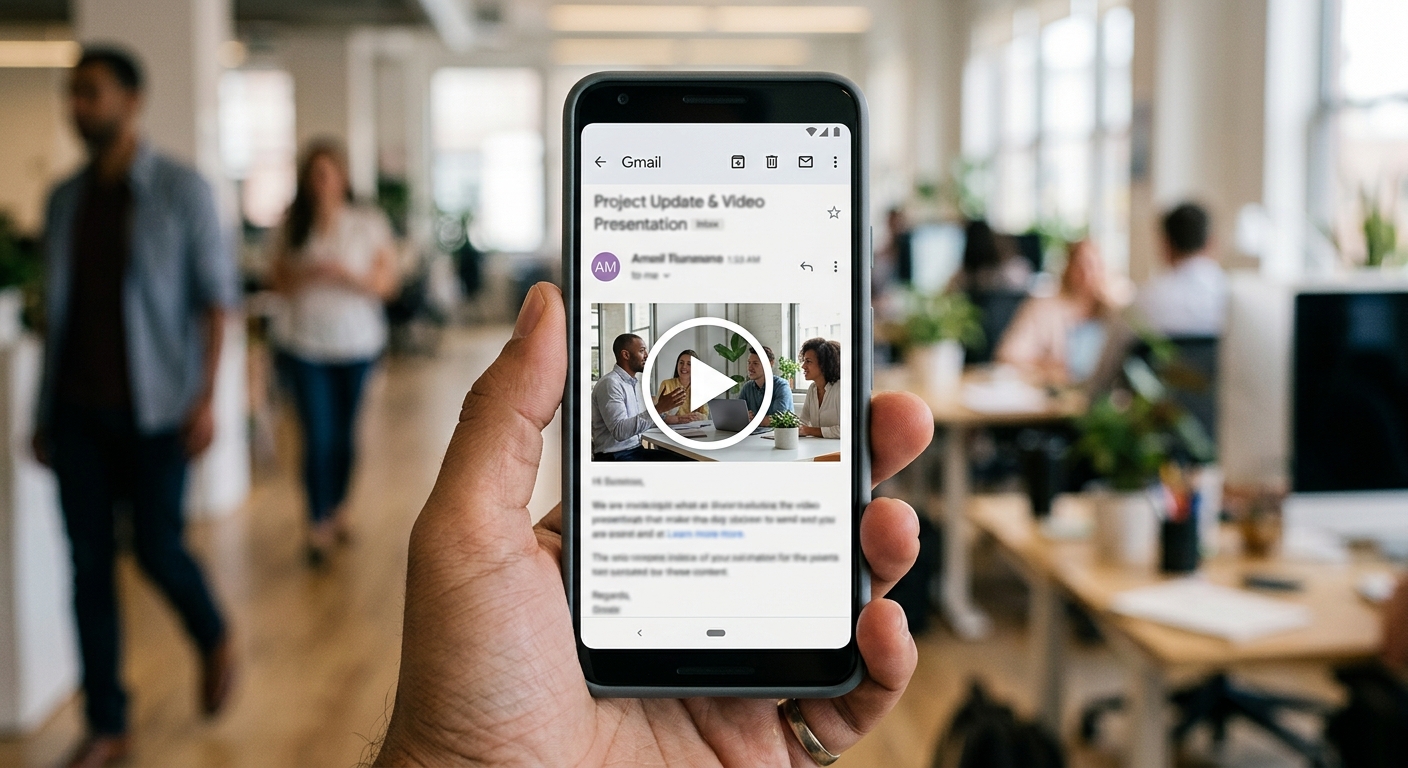
Link a thumbnail or GIF to a hosted video page, and make the first frame carry the message on its own. That one rule solves most client-compatibility headaches.
Thumbnail with a play button
A static image with a play icon overlay renders in every email client, including old Outlook builds. Pick a frame with a face or a clear product shot, not a title card. Add alt text, because many subscribers have images blocked by default and the alt text is all they’ll see.
Animated GIF teaser
A GIF of two to four seconds shows motion and tempts the click. Keep the file under 500 KB, ideally closer to 200 KB, so it loads on a phone. Outlook desktop often shows only the first frame of a GIF, so design that frame as if it were the whole image.
Embedded HTML5 video
Embedded MP4 is the least reliable option. A well-built fallback image is mandatory, and some spam filters penalize heavy files. Use it only if your list skews heavily toward Apple Mail, such as a design or creative audience, and you’ve tested it.
Where the video lives
Host it on a landing page or a platform like Wistia, Vimeo, or YouTube so you get play-rate data. A dedicated landing page beats a raw YouTube link because you control the call to action beside the player, and you keep the viewer off a feed full of competing videos.
What kind of video should go in an email?
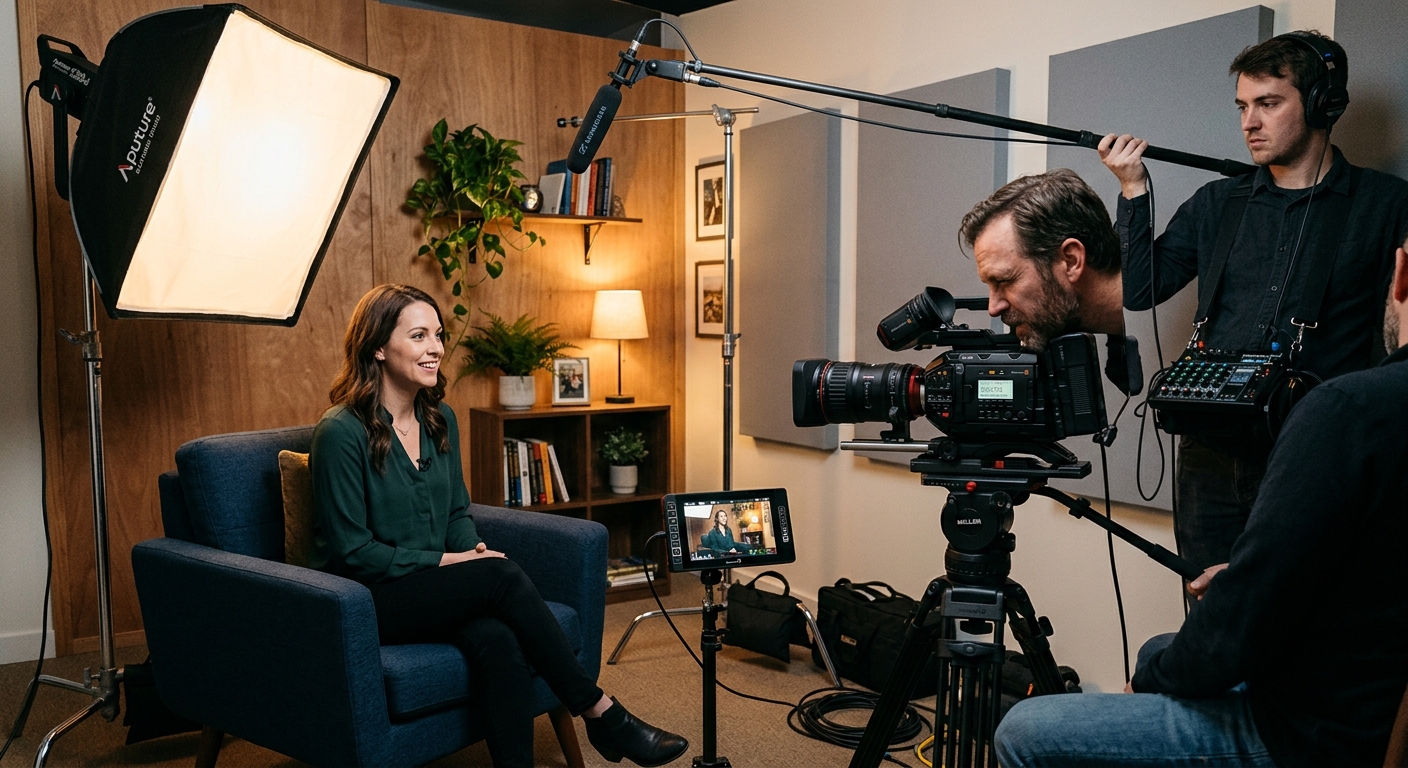
Short, single-purpose videos under 90 seconds win in email, with the exception of webinar replays and in-depth education. The email’s job is to earn the click; the video’s job is to deliver one idea.
The formats that consistently fit:
- Product demos and feature teasers. Show the product doing the thing in 30 to 60 seconds.
- Customer testimonials. Social proof converts, and a customer’s face in the thumbnail lifts clicks. We cover how to shoot them in how to take testimonial videos.
- Founder or team messages. A 45-second note from the owner humanizes a launch or a thank-you.
- How-to and onboarding videos. Wistia’s 2025 data, cited by Shopify, ranked how-to content highest for engagement.
- Event invites and recaps. A 20-second highlight reel sells next year’s ticket.
Transactional emails like shipping confirmations are a poor fit. People opened them for a tracking number, not a film.
Length matters more than most clients expect. Our breakdown of short-form versus long-form video explains why a 60-second cut and a five-minute version usually deserve different edits, not one trimmed file.
How do you get the email itself opened and clicked?
Lead with one clear call to action, put the video thumbnail in the top third of the email, and keep surrounding copy to roughly 50 to 125 words. Subscribers decide in seconds whether to scroll.
A few specifics from the projects we’ve run:
1. Mention video in the subject line. Tests commonly show a lift of around 6% in open rates when the word “video” appears, per a 2023 SuperOffice case study cited by Shopify. Small, but it costs nothing.
2. Write for silent viewing. Most people open email at a desk or on a phone and don’t turn the sound on. Burn in captions and keep key points visible as text.
3. Design for mobile first. A big share of email opens happen on phones, so the thumbnail and button must be thumb-sized.
4. Send a plain-text-friendly fallback. A line like “Watch the 90-second demo” with a visible link covers subscribers who block images.
5. A/B test the thumbnail. Test a face against a product shot before you test anything else. It usually moves clicks more than the subject line does.
How does email fit into a wider video distribution plan?
Email is the one channel you own, so it should be the hub that every other video asset feeds. Social platforms rent you an audience; your list is yours.
Cut one master video into a landing-page version, a 15-second social clip, and an email GIF. Our post on how to distribute video content effectively lays out how to sequence those channels so the same footage works three times. If you’re still shaping the bigger picture, the video marketing strategy guide is the place to start.
For businesses in the Northwest, this is where planning pays off at the shoot. When we work with Seattle clients through our Seattle video production team, we plan the email GIF and thumbnail frames during pre-production, so the camera captures a clean, expressive frame on purpose instead of hoping the editor finds one. That small step saves a reshoot later. You can see the full range of what we shoot and edit on our services page.
What mistakes sink video email campaigns?
The biggest ones are attaching the video file, using a boring thumbnail, and sending traffic to a page with no next step. Each is easy to avoid.
- Attaching or embedding a large file. Heavy messages slow loading and risk filtering. Link instead.
- Autoplay surprises. If sound blasts when someone clicks through, they leave. Signal in the subject line and button that it’s a video.
- A slow landing page. A thumbnail click that lands on a spinner wastes the email’s work.
- No call to action after the video. End with one step: book a call, shop the product, reply to the email.
- Skipping analytics. Without play rate and click-to-open rate you can’t tell a bad thumbnail from a bad video.
Build the email around one video and one action, test the thumbnail, and measure the play rate. After two or three sends you’ll know which formats your list actually watches, and you can brief your next shoot accordingly.
Frequently Asked Questions
Can you embed a video directly in an email?
You can embed an HTML5 video, but it only plays in a few clients such as Apple Mail. Gmail, Outlook, and Yahoo don’t support in-email playback. The reliable method is a clickable thumbnail or animated GIF that links to a hosted video page, with a fallback image for every client.
How long should a video in an email be?
Under 90 seconds is the safe range for most business emails, and 30 to 60 seconds works best for product demos and teasers. Longer videos such as webinar replays can perform well, but the email should only promise one idea and let the landing page deliver the rest.
Does putting the word ‘video’ in the subject line help?
It can help modestly. A 2023 SuperOffice case study reported about a 6% lift in open rates when the subject line included the word video. Treat it as a small, free improvement and A/B test it on your own list rather than expecting a dramatic jump.
What file size should an animated GIF in an email be?
Keep an email GIF under 500 KB and ideally near 200 KB so it loads quickly on mobile connections. Use a clip of two to four seconds, and design the first frame to stand alone because Outlook desktop often displays only that frame.
How do you measure whether video email marketing is working?
Track click-to-open rate on the video thumbnail, play rate on the landing page, average watch percentage, and conversions after the view. Connect your video host to your email or CRM tool so you can see which subscribers watched, and compare results against a send without video.
