
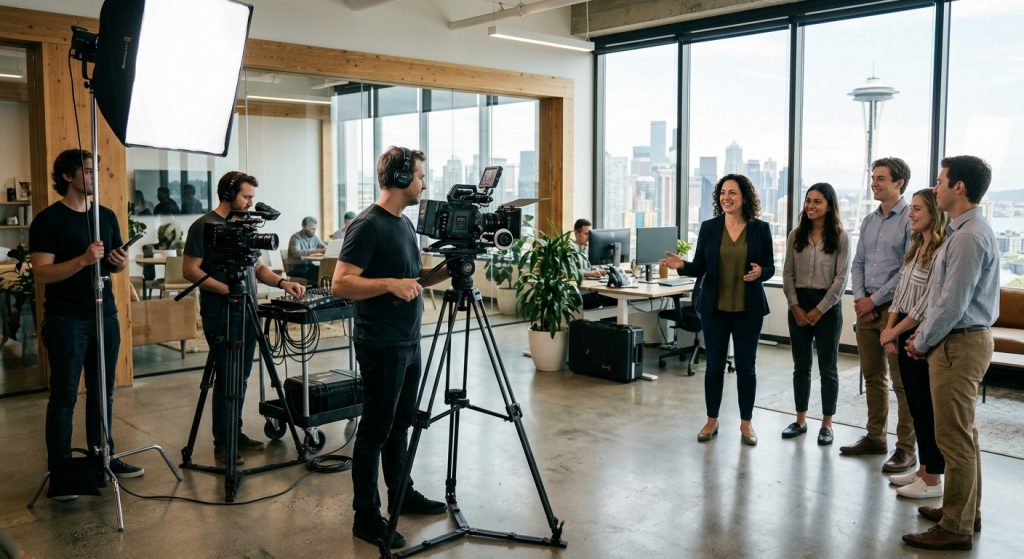
A new hire’s first day usually goes one of two ways. Someone walks them through a 90-minute slideshow they’ll forget by lunch, or nobody shows up at 9:00 and they sit with a laptop that doesn’t log in. An onboarding video fixes the second problem outright and a good one fixes most of the first. It gives every new person the same warm, clear introduction whether the founder is in the building or on a plane.
I’ve produced these for companies from ten-person offices to multi-site operations, and the pattern is consistent: the videos that work are short, specific, and made by people who actually understand how the company runs. The ones that fail are glossy brand films that say “we value innovation” for four minutes.
What Is an Onboarding Video and Who Is It For?
An onboarding video is a short, purpose-built film that introduces a new employee, customer, or user to a company, product, or process. Employee versions cover culture, people, tools, and policies. Customer versions walk someone through setup and their first win with a product.
This article focuses mostly on employee onboarding, because that’s where most of our clients start. But the production principles carry over. If you’re building training content for schools or teaching-heavy products, our guide to educational video production covers the instructional side in more depth.
The format matters less than the job it does. Gallup found in 2019 that only 12% of employees strongly agree their organization does a great job onboarding new people, and only 29% of new hires said they felt fully prepared and supported in their new role. Video won’t fix a broken process, but it is the cheapest way to make the part you control consistent.
What Types of Onboarding Video Should You Make?

Most companies need three to five short videos rather than one long one. The common types are a welcome video, a culture or team-introduction video, a tools-and-process walkthrough, a role-specific training clip, and a compliance or safety module.
Welcome video
A 2-4 minute message from a real leader, ideally shot before day one so the new hire watches it at home. Keep it human: who we are, what the first week looks like, who to find on Monday. This is the one where on-camera quality matters most.
Culture and team introductions
Short interviews with the people they’ll actually work with. Shot properly, with decent audio and two cameras, these feel like a conversation instead of a recruitment ad. Our work on corporate interview video goes into how we get people to sound natural on camera.
Process, software, and compliance walkthroughs
Screen recordings with voiceover are fine here, and honestly better than a cinematic production. Nobody needs a dolly shot of someone requesting vacation time. Save the budget for the pieces where people and place matter.
Day-in-the-life and role-specific clips
A 90-second look at what a Tuesday looks like for a warehouse lead or an account manager answers questions HR never thinks to put in a handbook. Safety-critical or regulated roles often need their own module with sign-off.
How Long Should an Onboarding Video Be?
Aim for 2-4 minutes for a welcome video and 1-3 minutes for each how-to module. A four-minute video runs about 500-550 spoken words, and a single topic per video makes each one easier to find, rewatch, and update.
Competitors disagree on exact numbers, some say up to 8 minutes, but they agree on the principle: one purpose per video. A series of eight 2-minute clips will be watched. One 16-minute orientation will be skipped to the end.
One more practical point: build for updates. Policies change quarterly and software changes monthly. If every video has the CEO standing in front of a specific org chart, you’ll be reshooting in six months. Keep evergreen material (welcome, culture) on camera and put the perishable material (screens, procedures) in recordings you can swap in an afternoon.
How Much Does an Onboarding Video Cost?
A professionally produced onboarding video typically costs $1,000-5,000 per finished minute, and a single-location shoot producing a small series generally starts around $5,000. Multi-location or multi-day work with larger crews can reach $15,000 or more.
Three things move the number most: how many locations and shoot days, whether you’re using live-action or animation, and how many videos you capture in one visit. Batching is the single best money-saver. Filming a welcome message, six team interviews, and a handful of role clips in one day costs far less per video than booking those as separate projects. For a deeper look at how budgets get built, see our walkthrough on how to create a production budget.
Software-only options, including AI avatars and screen-capture tools, cut costs for process training. Synthesia’s published DuPont case study claims savings of up to $10,000 per video using AI. That can be a sound call for compliance modules that change often. It’s a poor fit for the welcome video, where the whole point is that a real person is glad you’re there.
How Do You Make an Onboarding Video That Gets Watched?
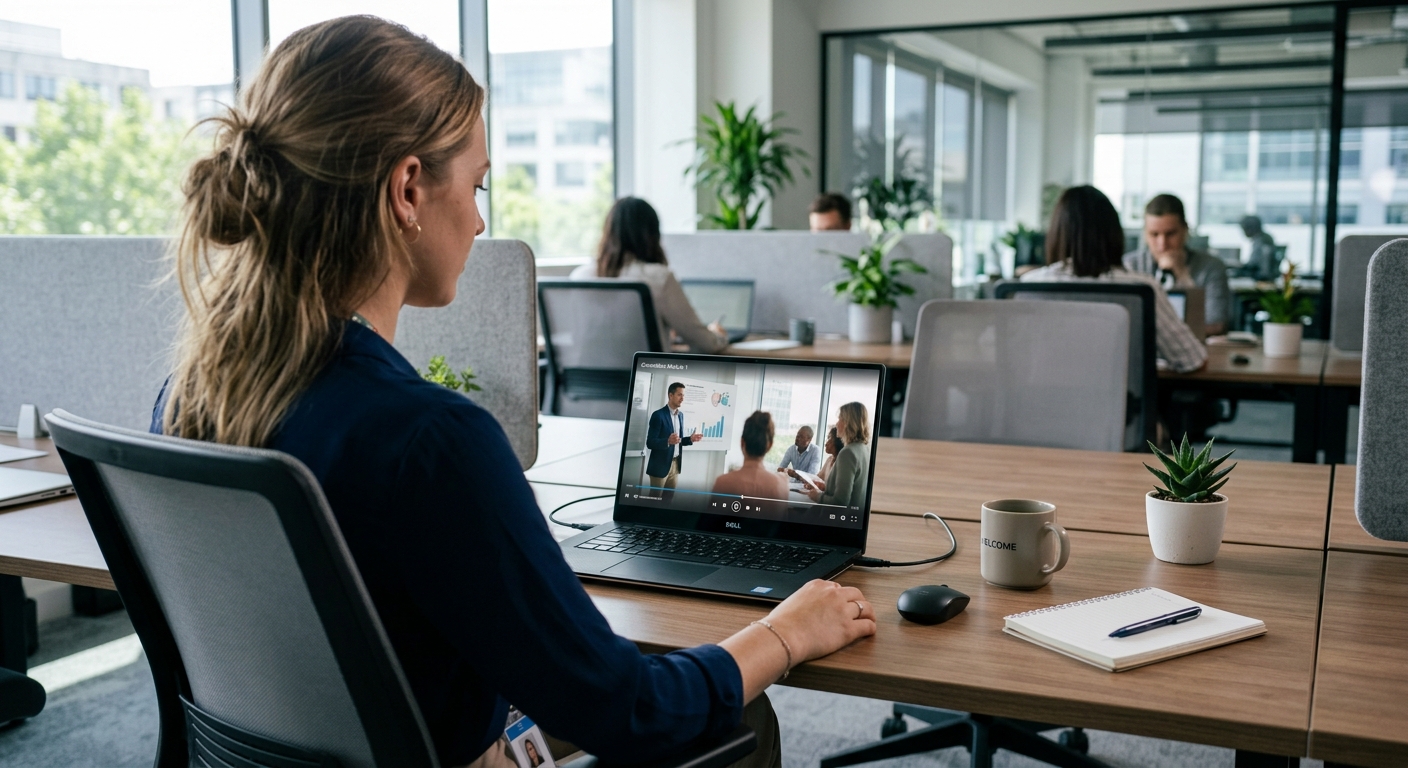
Start with the new hire’s first week, not your brand guidelines, and work backward from the questions they’ll have. Then script tightly, shoot with good audio, caption everything, and put the videos where people already look.
1. List the first-week questions. Where do I park? Who do I ask about payroll? What am I supposed to accomplish by Friday? Those become your video outline.
2. Write for the ear. Read the script aloud. If you stumble, the viewer will glaze. Our piece on writing a compelling video script has the structure we use.
3. Use real employees. Actors are fine for some commercials, but new hires can tell when a “team member” is reading from a teleprompter and has never met the company.
4. Get the audio right. Lavalier mics and a quiet room matter more than camera resolution. People forgive a soft image faster than a muddy voice.
5. Caption everything. Many people watch with the sound off, and captions help non-native speakers and anyone in a noisy shop.
6. End with one next step. Not five. One.
If you want a team to handle script-to-delivery, that’s what our corporate video production services cover, from planning through editing and delivery in the formats your intranet or LMS needs.
Can You Shoot an Onboarding Video in Seattle?
Yes, and Seattle is a strong market for it because so many companies here run hybrid or distributed teams where video is the only consistent first impression. A local crew can shoot a full onboarding series in one or two days across your offices, labs, or job sites.
Local knowledge saves real time: parking and load-in at South Lake Union buildings, building-management insurance requirements, and knowing when rain will wreck an exterior shot. If you’re comparing options, our Seattle video production team works with tech, healthcare, and manufacturing clients, and our page on Seattle corporate video production covers how those shoots typically run.
How Do You Know If Your Onboarding Video Is Working?
Track completion rate, time to productivity, and new-hire feedback at 30, 60, and 90 days. If people drop off at the same timestamp, that’s your edit note; if managers keep fielding the same questions, there’s a video missing.
Review the library every three to four months. Retire anything that’s out of date, because a wrong video does more damage than no video. And ask new hires directly what helped. A two-question survey beats a dashboard nobody opens.
Frequently Asked Questions
The five questions below are the ones clients ask us most before they commission an onboarding video.
How long should an onboarding video be?
A welcome video should run 2-4 minutes, and individual how-to or process videos should run 1-3 minutes. A four-minute video holds roughly 500-550 spoken words. Splitting content into a series of single-topic clips works better than one long orientation film because people can find and rewatch what they need.
How much does it cost to produce a professional onboarding video?
Professional onboarding video production typically runs $1,000-5,000 per finished minute, and a single-location shoot for a small series usually starts near $5,000. Multi-day or multi-location projects can reach $15,000 or more. Filming several videos in one visit lowers the per-video cost significantly.
What should an employee onboarding video include?
An employee onboarding video should include a welcome from a real leader, introductions to the new hire’s team, an overview of the first week, and one clear next step. Tool walkthroughs, policy and compliance modules, and role-specific clips work best as separate short videos.
Should I use live-action or AI-generated video for onboarding?
Use live-action for welcome, culture, and team-introduction videos where a real person’s presence matters. Use AI avatars or screen recordings for frequently changing material like software walkthroughs and compliance training, since those are cheaper to update. Many companies combine both in one onboarding library.
How often should onboarding videos be updated?
Review onboarding videos every three to four months and re-record anything that references outdated software, policies, or staff. Evergreen welcome and culture videos can last a year or more, while process and compliance videos often need updating quarterly because tools and regulations change.
