

A viewer decides whether to click your video in about the time it takes to blink. Not the title, not the first ten seconds of footage, the thumbnail. I’ve watched clients spend $8,000 on a beautifully lit brand film and then upload it with a frame grab of someone mid-blink. It got 212 views. The same video, re-promoted with a proper thumbnail, tripled that in a week. If you want to understand youtube thumbnail best practices, start with this: the thumbnail is the first scene of your video, and it gets judged at the size of a postage stamp.
What Are the Core YouTube Thumbnail Best Practices?
The core rules are one clear focal point, three to five words of large text at most, high-contrast color, and a face when the video has a person worth showing. Everything else is refinement of those four.
Here is what the current research backs up. In its 2026 thumbnail study of 500 breakout long-form videos across 30 niches, vidIQ found that 69% of the thumbnails featured at least one human face, and 56% used high-contrast color. Among thumbnails that carried overlay text, the median length was five words. Those are breakout videos, the ones that outperformed their own channel’s average, so they’re a good proxy for what the algorithm and the audience both reward.
The specs are the easy part and you should get them right every time. Upload at 1280 x 720 pixels, a 16:9 ratio, with a 640-pixel minimum width. Keep the file under 2 MB. JPG, PNG and GIF are accepted, and PNG keeps text edges sharpest. If you upload something smaller, YouTube stretches it and you get a soft, pixelated image that looks cheap next to everything around it.
How Should You Design a YouTube Thumbnail for Mobile?
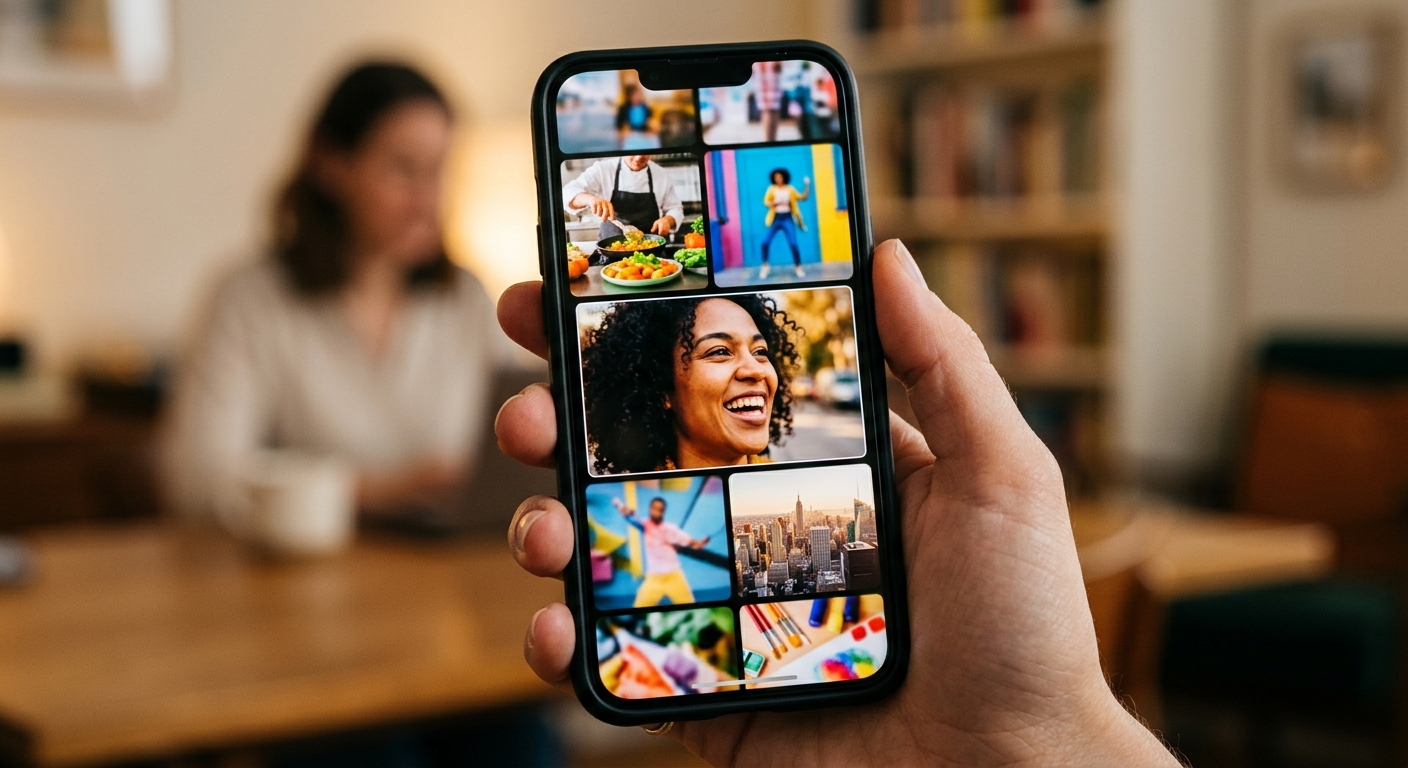
Design for a phone first, because that is where most of your viewers will see it, at roughly the size of a postage stamp in a crowded feed. If it doesn’t read at that size, it doesn’t work.
I tell clients to run a squint test. Shrink the design to about 200 pixels wide, hold it at arm’s length and ask what you can still make out. If the answer is “a person, a bright color and two words,” you’re good. If the answer is “some stuff,” start over.
A few specifics that save thumbnails:
- Keep the safe zone central. Feeds crop and overlay differently, so hold faces and text away from the edges. Treat the middle 70% of the frame as your working area.
- Stay out of the lower-right corner. YouTube stamps the video duration there and it will cover your text.
- Limit graphic cues. One arrow or one circle can direct the eye. Four of them is noise.
- Skip YouTube’s own palette. Red, white and black blend into the interface. Use a color the feed doesn’t already contain.
This is also where social media video production habits help. Crews that shoot for vertical and feed formats already think in terms of what survives a thumb scroll.
What Makes a YouTube Thumbnail Get More Clicks?
Thumbnails get clicks when they promise a specific outcome or raise a question the video answers, and when the image and the title say different things that work together. Repeating the title in the image wastes your best real estate.
If your title is “How We Cut Our Shipping Costs by 40%,” the thumbnail shouldn’t say “Cut Shipping Costs.” Show the warehouse manager looking at a pallet with a number: “-40%.” The title supplies the context, the image supplies the proof and the emotion.
Faces do real work here, with a caveat. A well-lit face filling about a quarter to a third of the frame, with an expression that matches the video, pulls attention. Fake shock does not. Only about one in twenty of vidIQ’s breakout thumbnails used an exaggerated expression, so the over-the-top open-mouth look is less common among winners than YouTube folklore suggests. Authentic and readable beats loud.
Curiosity helps, but you have to pay it off. A thumbnail that teases something the video never delivers can lift clicks for a day and then hurt you, because viewers who bounce in the first 15 seconds tell YouTube the video disappointed. Clickbait is a retention problem wearing a CTR costume.
How Do You Shoot Footage That Makes a Great Thumbnail?
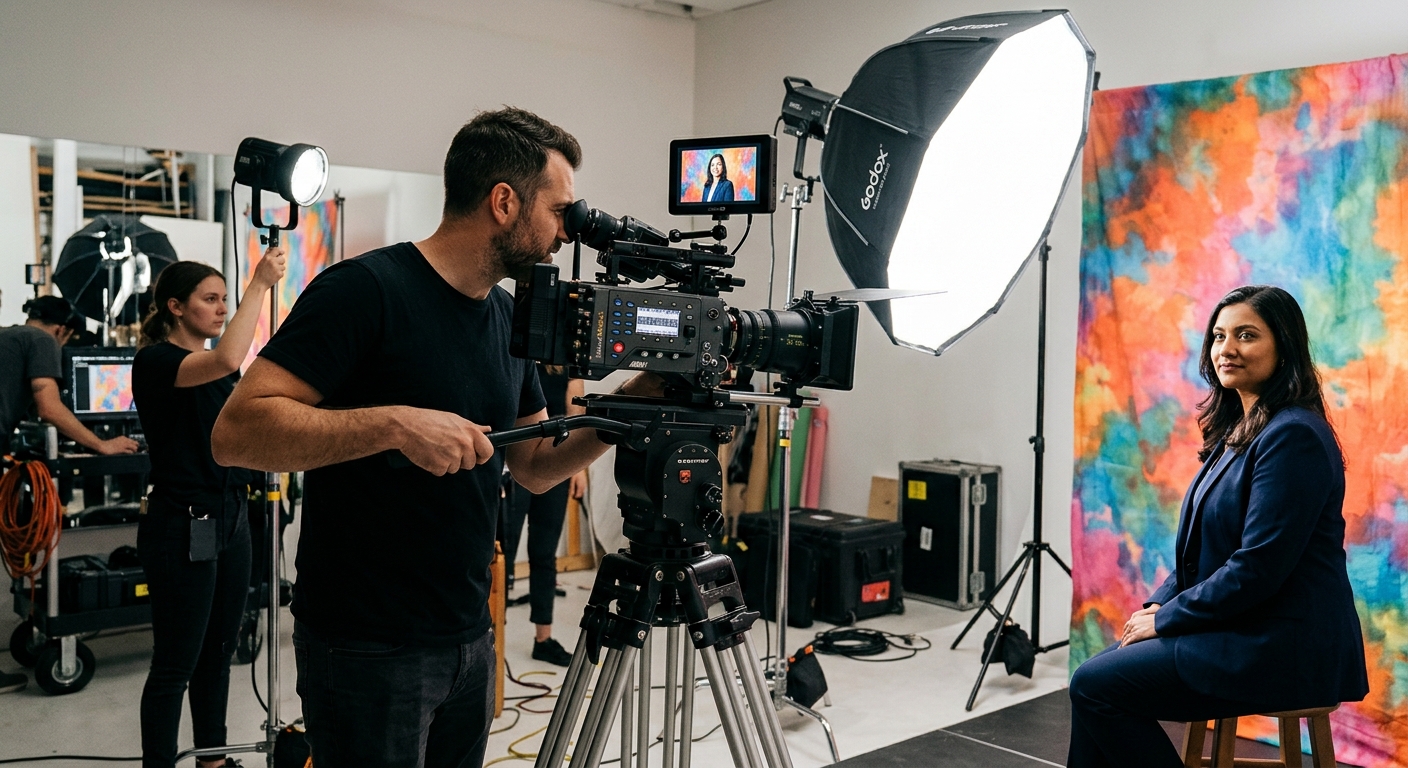
Plan the thumbnail before you roll camera, and shoot dedicated stills during the session. A thumbnail pulled from a random video frame will almost always lose to one you lit and framed on purpose.
On a typical corporate or marketing shoot, we reserve ten minutes at the end for thumbnail frames. That means a clean key light on the subject, a background with some separation (a color that contrasts with their clothing), and three or four expressions shot against a plain wall so the subject can be cut out later. Shooting against a green screen takes this further, since you can drop the same person onto any background and keep a consistent look across a whole series.
Shoot wider than you need. A 4K still gives you room to crop in tight on a face without losing sharpness at 1280 x 720. Shoot with a slightly shallow depth of field so the subject pops off the background, and expose for the face, not the room.
Then deal with color. Thumbnails sit among dozens of others, and a pinch of saturation and contrast makes yours register. A basic grade does it, and the principles from color grading in video production carry over directly: protect skin tones first, then push the background.
If you’re building a library of videos for a Phoenix business and want the stills captured in the same session as the film, our Phoenix video production team builds thumbnail frames into the shoot day as a standard deliverable.
How Should You Test and Improve YouTube Thumbnails?
Use YouTube’s built-in Test & Compare tool in YouTube Studio to run up to three thumbnail variants against each other, and change only one element per test. The tool picks a winner based on watch time share, not clicks alone, which is the right metric.
Change one variable at a time: the background color, the expression, the text, or the crop. If you change all four, you learn nothing about why one version won. Give each test enough impressions to mean something, usually a few thousand, before you call a result.
You can also swap a thumbnail after publishing. If a video has decent retention but a weak click-through rate, the thumbnail is the first thing to fix. A video that people finish but nobody opens is a packaging problem, not a content problem.
Then keep a consistent system. Use the same font, a similar color palette and a repeatable layout so regular viewers recognize your videos in a feed without reading anything. Consistency builds a brand faster than any single clever thumbnail. Our guide on how to distribute video content effectively covers how thumbnails fit with titles, descriptions and where else you publish.
What Mistakes Ruin Thumbnails?
The most common mistakes are cramming in too much text, using low-contrast colors, uploading a blurry or tiny file, and promising something the video doesn’t deliver. Most are fixable in under an hour.
The one I see weekly is the busy collage: logo, product shot, headline, subhead, a badge and a face, all fighting each other. Cut it to three elements, say a person, a background and a short phrase. The second is the pretty-but-quiet brand thumbnail: muted gray, thin font, logo in the corner. It looks like your website and disappears in the feed.
If this feels like a lot to manage next to the actual production, that’s normal. Our video production services include thumbnail design alongside shooting and editing, so the stills, the film and the publishing plan all come from one crew.
Frequently Asked Questions
What is the best size for a YouTube thumbnail?
The best YouTube thumbnail size is 1280 x 720 pixels at a 16:9 aspect ratio, with a 640-pixel minimum width and a file size under 2 MB. JPG, PNG and GIF all work. Uploading smaller images makes YouTube stretch them, which causes visible pixelation.
How many words should a YouTube thumbnail have?
A YouTube thumbnail should have three to five words of text at most. vidIQ’s 2026 study of 500 breakout videos found a median of five words among thumbnails with overlay text. Use heavy sans-serif type with a stroke or shadow so it stays readable at phone size.
Do faces really improve YouTube thumbnail click-through rate?
Faces tend to help, but they are not required. In vidIQ’s 2026 study of 500 breakout videos, 69% of thumbnails featured at least one human face. The face should be well lit, fill a quarter to a third of the frame, and show an expression that matches the video.
How do I A/B test YouTube thumbnails?
Open the video in YouTube Studio and use the Test & Compare feature to upload up to three thumbnail variants. YouTube runs them against viewers and picks a winner based on watch time share. Change only one element per test, such as the background color or the text, so you know what worked.
Should I take my thumbnail from the video or shoot it separately?
Shoot it separately whenever you can. A dedicated still lets you control lighting, expression, background contrast and framing, which a random video frame rarely delivers. On a professional shoot, ten extra minutes capturing three or four thumbnail frames is usually enough to produce several strong options.
