
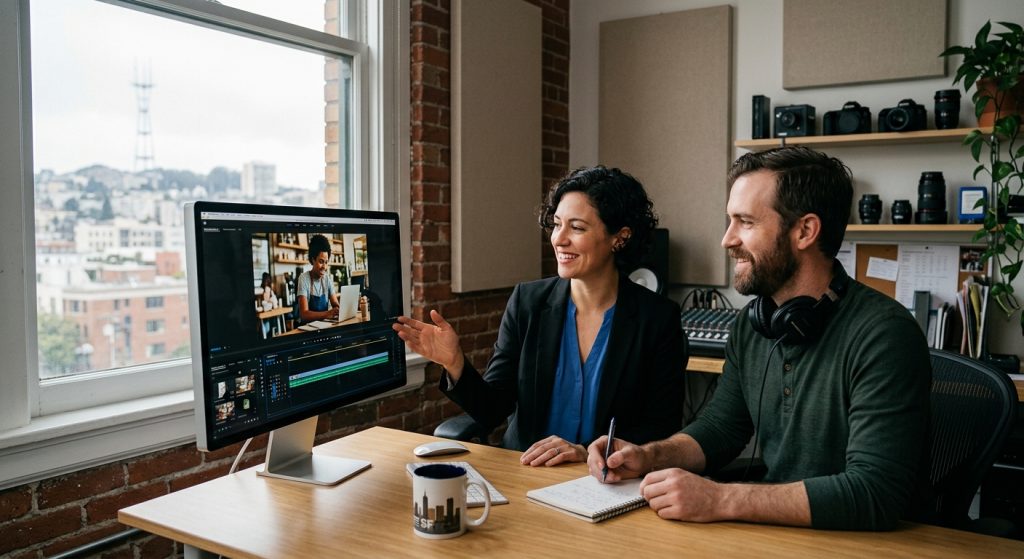
A Bay Area HVAC company came to us last spring with a Google Ads rep’s advice and $6,000 already spent. They’d run a 30-second skippable ad built from an old Instagram reel — vertical footage, stretched to fit, with a logo slapped on at the end. Watch-through rate was under 8%. Cost per view was creeping past $0.06, nearly triple what it should have been. The targeting wasn’t broken. The footage was.
That’s the part most guides skip when they talk about youtube ads for business: the platform, the bidding, the audience settings — none of it matters if the first three seconds don’t earn a click-through instead of a skip. YouTube is a video platform first and an ad platform second, and it rewards video that was actually shot for it.
Why YouTube Ads for Business Beat Boosted Social Posts
A boosted Instagram post and a YouTube ad look similar on a media plan, but they behave differently. YouTube ads run against intent — someone searching a topic, watching a competitor’s tutorial, mid-scroll through Shorts — and Google’s auction rewards watch time, not just impressions. That means a well-produced ad actually gets cheaper over time as your view rate improves, while a weak one gets more expensive the longer it runs.
We’ve seen this play out with clients who came from a video marketing strategy built entirely around organic posting. Organic reach on YouTube for a business channel with no subscriber base is close to zero. Paid is how new companies get in front of buyers who’ve never heard of them, and it’s a lot more targeted than a billboard or local cable spot ever was — you can put your message in front of someone who searched “commercial HVAC repair near me” three days ago.
The Ad Formats Worth Your Budget
YouTube gives you nine ad formats in 2026, but most small and mid-size businesses only need four:
- Skippable in-stream ads (15–60 seconds) — the workhorse for consideration campaigns. Viewers decide whether to skip in the first five seconds, so your hook has to land before the “Skip Ad” button even becomes clickable.
- Non-skippable in-stream ads (15 seconds, up to 30 on connected TV) — guaranteed full delivery, better for a tight brand message than a sales pitch.
- Bumper ads (6 seconds, non-skippable) — cheap, high-frequency reinforcement. They work best stacked behind a longer skippable ad someone’s already seen, not as a standalone introduction.
- Shorts ads — vertical, native to the Shorts feed, and increasingly where younger B2C audiences actually spend their YouTube time.
A sequenced approach tends to outperform a single ad running on repeat: a 30-second skippable ad for cold awareness, a 15-second non-skippable for people already familiar with the brand, then a 6-second bumper for remarketing to near-converters. If you’re already running spots through a commercial video production partner, ask them to cut all three lengths from the same shoot day — it costs a fraction of a separate production and gives your media buyer real options to test.
What YouTube Ads Actually Cost in the Bay Area Market
Cost per view typically runs $0.01–$0.03, though competitive industries — legal, financial services, anything with a high customer lifetime value — push well past that. A small business testing the waters can start with $10–$25 a day and get usable data within a couple of weeks. Businesses ready to commit usually land somewhere between $1,000 and $5,000 a month once they’ve found a format and message that converts.
The number that actually matters isn’t CPV, though — it’s cost per qualified lead, and that’s where production quality quietly does most of the work. Max CPV bidding only charges you when someone watches, so a video that holds attention past the skip point is doing double duty: it’s cheaper to run and it’s the thing people remember. We built out this exact math in our ultimate video marketing guide if you want the full breakdown of budget allocation across production versus media spend.
The Footage Problem Nobody Warns You About

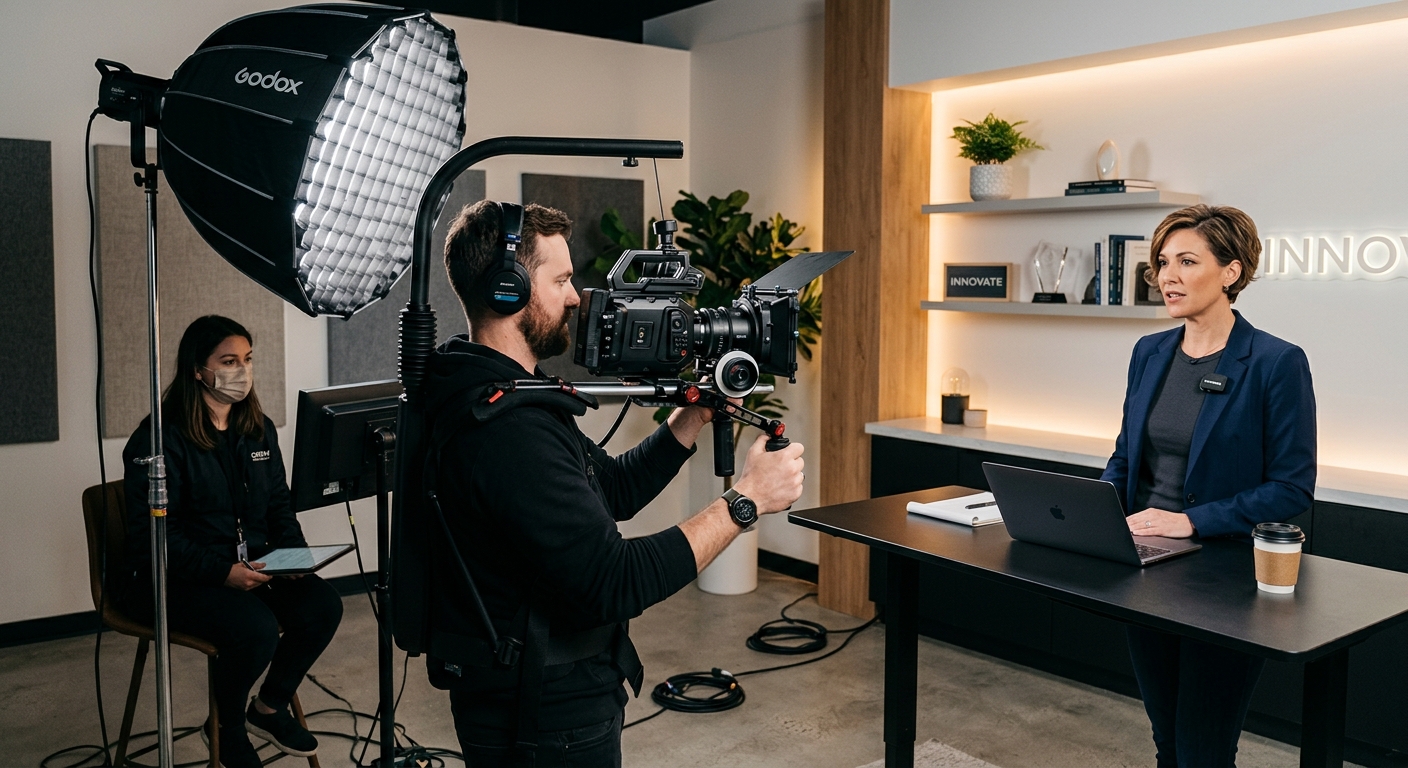
Here’s what that HVAC client’s ad rep never mentioned: Google Ads doesn’t care how the video was shot, but the algorithm’s auction absolutely rewards a video that keeps people watching, and vertical phone footage stretched to widescreen tanks watch-through rate every single time. Lighting matters more on YouTube than on Instagram because viewers are often on a TV screen, not a phone held six inches from their face. Audio matters even more — most in-stream ads autoplay muted, which means your first two seconds have to work as pure visual storytelling before a viewer even taps to unmute.
This is the same lesson we cover with clients producing straight commercial spots — see video production for commercials for how we approach a 30-second cutdown from day one of a shoot rather than trying to salvage one after the fact. A shoot planned for multiple ad lengths and both landscape and vertical crops saves real money down the line, because you’re not paying for a second production when the bumper cut underperforms.
If your business is based in the Bay Area, working with a local crew who understands both the production side and the media-buying side closes that gap fast — our San Francisco video production team has run this exact playbook for clients across the peninsula, from SaaS launches to local service companies trying to out-produce national competitors on a fraction of the budget.
Targeting, Testing, and the First Five Seconds
Once the footage is right, targeting is where the budget actually gets efficient. Custom intent audiences built from search terms your buyers use, in-market segments tied to your category, and remarketing lists from your website visitors will all outperform broad demographic targeting by a wide margin. Layer in placement exclusions early — content categories and channels that don’t fit your brand — so your budget doesn’t leak into low-quality inventory.
Test the first five seconds relentlessly. That’s the entire ballgame with skippable ads: a strong hook in that window drops your cost per view and raises your view-through rate simultaneously, because YouTube’s auction treats watch time as a quality signal. We usually cut three or four different opens from the same footage and let the data pick a winner before scaling spend behind it. A lot of businesses that have already invested in social media video production have raw footage sitting in a drive that could be re-cut into YouTube-ready hooks without a new shoot at all.
Getting Started This Quarter
Don’t try to launch a perfect campaign on day one. Start with a modest daily budget, two or three ad lengths cut from a single well-lit shoot, and a Google Ads account connected to a real YouTube channel — not just a video uploaded once and forgotten. Watch the first two weeks of data closely: skip rate, average view duration, and cost per view will tell you within days whether the creative is working before you’ve spent enough to hurt.
If your channel is currently empty or full of one-off uploads with no consistency, it’s worth a look at what’s actually resonating with audiences on the platform right now — our roundup of creators making waves on YouTube breaks down pacing and hook structure that translates directly into paid creative, even for a B2B audience.
The businesses that win with YouTube ads treat the platform the way it was built to be used — as video, not as a banner ad with motion. Get the footage right, sequence your formats, and let the auction do what it’s designed to do: reward the ad people actually want to watch.
Frequently Asked Questions
How much should a small business budget for YouTube ads?
Start with $10–$25 a day to gather two to three weeks of usable data. Businesses ready to commit to the channel typically settle into a $1,000–$5,000 monthly range once they’ve found creative and targeting that converts.
What’s the best YouTube ad format for a business just starting out?
A 15–30 second skippable in-stream ad is the most flexible starting point. It’s cheaper to test than non-skippable formats and gives you real skip-rate data to improve the creative before scaling spend.
Do YouTube ads work for local, service-based businesses?
Yes — custom intent and in-market audience targeting let you reach people actively searching for your service in your area, which often outperforms broad social boosting for local businesses with a defined service radius.
Why does video quality matter if YouTube ads are sold on targeting?
YouTube’s auction rewards watch time. A well-shot, well-lit ad holds attention past the skip point, which lowers your cost per view and raises view-through rate — targeting alone can’t fix a video people click away from.
Can I reuse social media footage for YouTube ads?
Sometimes, but vertical phone footage stretched to widescreen usually hurts watch-through rate. It’s better to shoot with multiple crops and lengths in mind from the start, or have a producer re-cut existing footage specifically for YouTube’s formats.
